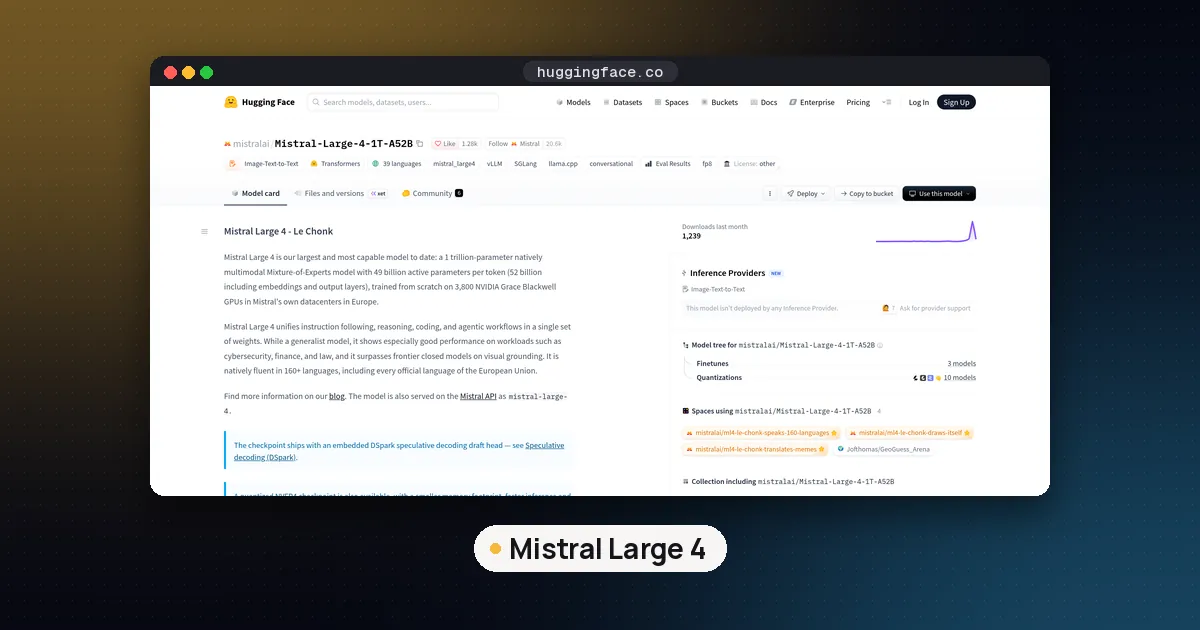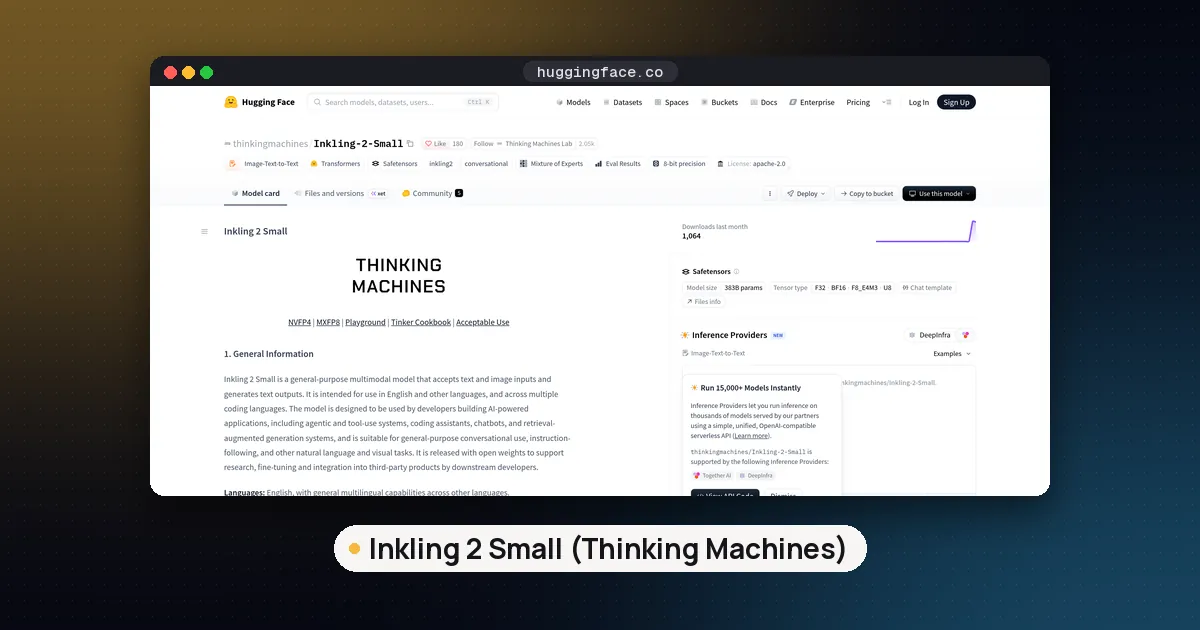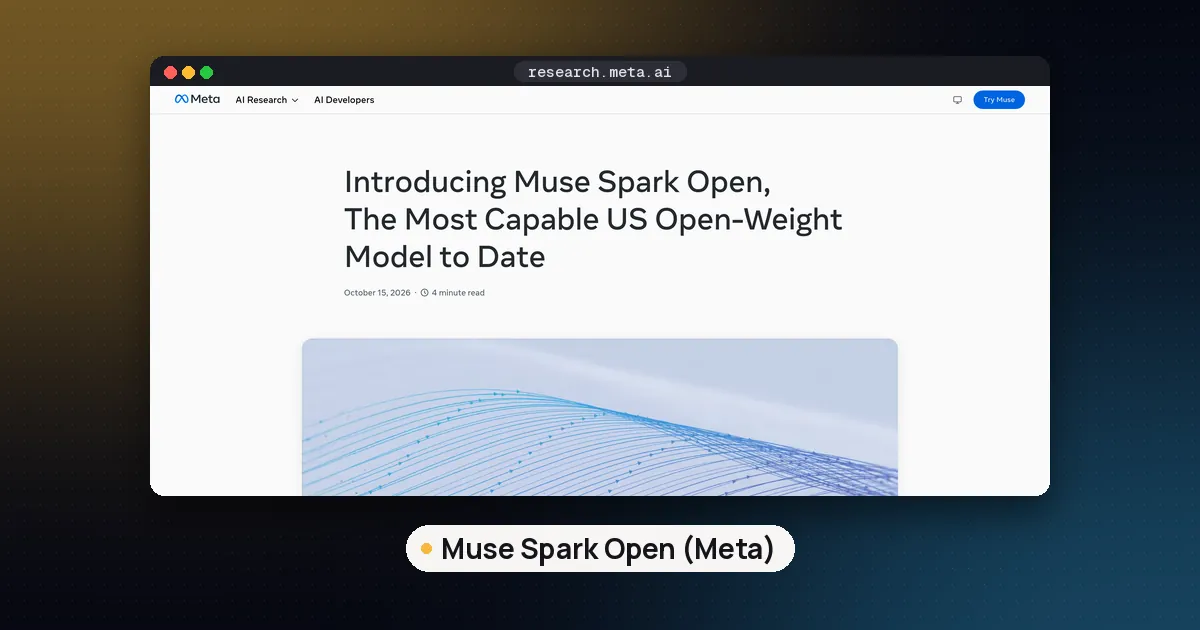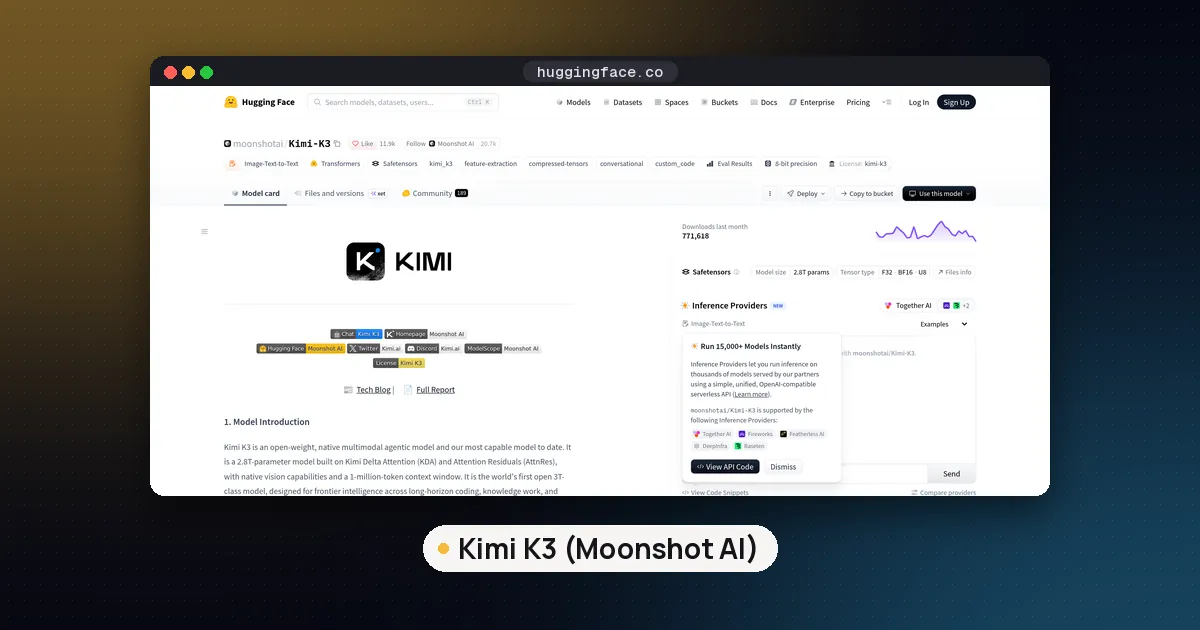
You can run Kimi K3 locally, but only on a machine with roughly 610 GB or more of combined RAM and VRAM. The smallest well tested build is Unsloth's 1 bit dynamic GGUF at 594 GB, the near lossless 2 bit build is 861 GB, and the original MXFP4 weights are about 1.56 TB. A normal gaming PC or a single 24 GB graphics card cannot hold it. The newer Kimi K3.1 Pro has the same size and gained text support in mainline llama.cpp on November 6, 2026, with image input following on November 10.
Below: memory needs by format, which runtimes work today, the server setups Moonshot recommends, license limits and when a smaller model is smarter.
What Kimi K3 and K3.1 Pro are
Kimi K3 is Moonshot AI's open weight flagship, published on Hugging Face in June 2026. According to the Kimi K3 model card, it is a mixture of experts model with 2.8 trillion total parameters and 104 billion active per token. Each token is routed to 16 of 896 experts, plus 2 shared experts. It has 93 layers (69 Kimi Delta Attention layers and 24 Gated MLA layers), a 401M parameter MoonViT V2 vision encoder for image input, and a context window of 1,048,576 tokens.
The detail that shapes every local setup is the number format. Moonshot trained K3 with quantization aware training from the fine tuning stage onward, so the official checkpoint already stores the expert weights in MXFP4 (4 bit) with MXFP8 activations. That is why the full download is about 1.56 TB.
Kimi K3.1 Pro is a post trained version of K3. Moonshot's K3.1 Pro announcement promised the full weights by November 4, 2026, and they are now on Hugging Face. The parameter counts, expert layout and MXFP4 format are unchanged. The one architectural change is that the 24 full attention Gated MLA layers become Gated DeepSeek Sparse Attention (DSA) layers, which select the top 2,048 tokens for each query to make long contexts cheaper.
Kimi K3 hardware requirements by format
Unsloth publishes the most complete size and quality table for K3. The figures below come from the Unsloth Kimi K3 guide and the Kimi K3 GGUF repository. "Top 1 agreement" is how often the quantized model picks the same next token as the lossless version.
| Build | Download size | Memory Unsloth suggests (RAM plus VRAM) | Top 1 agreement |
|---|---|---|---|
UD-IQ1_S (1 bit dynamic) | 594 GB | 610 GB | about 78.9% |
UD-IQ1_M | 649 GB | 665 GB | about 81.2% |
UD-IQ2_XXS | 711 GB | 726 GB | about 84.1% |
UD-Q2_K_XL (2 bit dynamic) | 861 GB | 880 GB | about 90.4% |
UD-Q4_K_XL | about 1,509 GB | about 1.56 TB | near full precision |
UD-Q8_K_XL (lossless) | about 1,561 GB | 1.6 TB | matches MXFP4 original |
| Official MXFP4 safetensors | about 1.56 TB | GPU cluster | reference |
The Q4 and Q8 builds are almost the same size because Kimi stores the experts in MXFP4 and the rest in BF16; Q8_K_XL keeps that layout and is lossless, while Q4_K_XL saves only about 50 GB. The 1 bit build is more usable than the name suggests. Unsloth measured a perplexity of 2.58 for UD-IQ1_S against 1.46 for the lossless file, and recommends it as the best balance of size and quality.
The repository has also added smaller experimental files that the guide's table does not cover yet: UD-Q1_0 at about 466 GB, UD-TQ1_0 at about 509 GB and UD-TQ2_0 at about 552 GB. No quality numbers are published for them, so treat them as experiments.
Unsloth's rule of thumb is simple: your RAM plus VRAM should be about equal to the file size. If it is smaller, llama.cpp still runs by streaming weights from disk, but generation becomes very slow. For the background on how these memory totals are built, see our guide to how much VRAM an LLM needs, and for what happens when the model spills into system memory, read can a local LLM use RAM instead of VRAM.
What machines actually fit
- Below 512 GB of memory: no published K3 build fits fully in memory. Unsloth says it is still investigating whether a build under 512 GiB is possible without damaging the model.
- About 640 GB to 768 GB: the 1 bit
UD-IQ1_SorUD-IQ1_Mfits, for example a dual socket server with lots of DDR5 plus one or two GPUs for the dense layers and KV cache. - About 1 TB: the 2 bit
UD-Q2_K_XLfits with room for context. - Data center nodes: the MXFP4 original or the lossless Q8 file. On B200 class GPUs Unsloth reports about 20 tokens per second for a single stream and more than 120 tokens per second of total throughput.
How to run Kimi K3 with llama.cpp
Mainline llama.cpp has supported the Kimi K3 text model since pull request #26185 was merged on August 15, 2026. For image input, Unsloth maintains a llama.cpp fork with the vision tower and some fixes, and its guide uses that fork.
- Build llama.cpp. Clone either mainline llama.cpp (text only) or the Unsloth fork (text and images), then build with CUDA on for NVIDIA cards or off for CPU or Apple Metal. Build
llama-cliandllama-server. - Download one quant. Use the Hugging Face CLI with an include filter so you only fetch one folder. The 1 bit build comes as 14 split files.
- Run it. Point
llama-cliorllama-serverat the first split file, add themmproj-BF16.gguffile if you want images, and use the recommended sampling settings.
hf download unsloth/Kimi-K3-GGUF \
  --local-dir unsloth/Kimi-K3-GGUF \
  --include "*mmproj-BF16*" --include "*UD-IQ1_S*"

./llama.cpp/llama-cli \
  --model unsloth/Kimi-K3-GGUF/UD-IQ1_S/Kimi-K3-UD-IQ1_S-00001-of-00014.gguf \
  --mmproj unsloth/Kimi-K3-GGUF/mmproj-BF16.gguf \
  --temp 1.0 --top-p 0.95
Unsloth suggests a temperature of 1.0 with top p 0.95 for chat and top p 1.0 for agent work. Check free disk space first and keep the files on an NVMe drive. On a machine with GPUs plus lots of system RAM, keep attention and shared layers on the GPU and push expert weights to RAM with --n-cpu-moe. Our GGUF quantization explained guide covers the quant names, and the Muse Spark Open local guide walks through a similar giant mixture of experts setup.
Unsloth Studio and Unsloth Desktop are the easier route. Unsloth says its desktop app finds multiple GPUs, offloads to RAM automatically, and has toggles for the low, high and max thinking levels.
Kimi K3.1 Pro locally: what works today
Support for K3.1 Pro is arriving in pieces.
- llama.cpp: pull request #31779, "model: add Kimi-K3.1-Pro text model", was merged on November 6, 2026 and first shipped in release b12180. It adds the new sparse attention layers on top of the K3 code. Image input followed in pull request #31980, "mtmd: add kimi K3.1 vision", which first shipped in release b12259 on November 10.
- GGUF files: Unsloth has not yet published a K3.1 Pro GGUF with a quality table like the K3 one; its K3.1 Pro repository still held only the safetensors files on November 12. A few community GGUF and EXL3 uploads appeared on November 5 and 6. Check who made them and how before you spend days downloading.
- Pruned and MLX variants: community uploads with names such as REAP80 or pruned75 remove a share of the experts to shrink the model. Expect different behavior from the model Moonshot evaluated.
- Ollama: the Ollama library lists
kimi-k3.1-pro:cloudandkimi-k3:cloudonly. Those tags run on Ollama's servers, not on your machine. The Ollama K3.1 Pro page lists $2 per million input tokens and $10 per million output tokens.
If you already run K3 in llama.cpp, K3.1 Pro will need the same memory once trustworthy quants appear. The size, expert count and MXFP4 layout are identical.
Self host Kimi K3 on servers with vLLM or SGLang
Moonshot recommends three engines for both models: vLLM, SGLang and TokenSpeed. These load the official MXFP4 checkpoint, so they need data center GPUs. The vLLM K3.1 Pro recipe, updated November 5, 2026, gives these baseline layouts:
| Hardware | Layout in the recipe | Notes |
|---|---|---|
| One 8x B300 node | Tensor parallel 8 | Simplest NVIDIA setup |
| Two GB300 trays | Tensor parallel 8 across 2 nodes | Default configuration in the builder |
| One AMD MI355X node | Tensor parallel 8 | Uses a dedicated ROCm image |
| TPU v7x slice (16 chips) | Tensor parallel 32 | Text only, support still under review |
The recipe uses vLLM 0.34.0 with --tool-call-parser kimi_k3 and --reasoning-parser kimi_k3. Two sizing numbers stand out. Decode context parallelism across 8 B300 GPUs holds about 18.5 million tokens of FP8 KV cache, against about 2.6 million at plain tensor parallel 8, at the cost of somewhat slower decode steps. And with expert parallelism on one B300 node, a single 340,000 token prompt prefilled in about 10 seconds versus about 15 seconds at plain tensor parallel 8.
Skymizer and MiTAC also announced on November 5 a single air cooled server with eight HTX301 cards and 2 TB of card memory, sized for the 1.56 TB K3 weights plus KV cache. They say workloads are still subject to engineering validation, so treat it as an SC26 demo for now.
Settings that matter for both models
- Thinking is always on. K3 returns
reasoning_contenton every reply. Effort is set with thereasoning_effortfield: low, high or max, with max as the default. Use low for quick chats on slow local hardware. - Pass the full reply back. For multi turn chats and tool calls, the model cards say to send the complete assistant message back, including
reasoning_contentandtool_calls, not just the visible text. Many chat front ends drop the reasoning field, which hurts quality. - Context costs memory. On a local box the KV cache shares RAM with the weights, so start with 32K or 64K tokens.
License terms for self hosting
Both models use near identical custom licenses (the Kimi K3 License and the Kimi K3.1 Pro License). They allow free use, modification, fine tuning and commercial use, with two limits:
- If you run a "Model as a Service" business (giving third parties API style access with meaningful control over inputs or parameters) and your group's revenue is over $20 million across any 12 months, you need a separate agreement with Moonshot.
- If a commercial product built on the model has more than 100 million monthly active users or more than $20 million in monthly revenue, it must show the model name (for example
Kimi K3) prominently in its interface.
Internal use, where nothing is exposed to third parties, is exempt from both conditions. This is not a standard open source license, which is why leaderboards label it differently; our open weight model leaderboard explains how to check licenses before you compare scores.
Who should run Kimi K3 locally, and who should not
Good fit: teams that already own a large memory server or a GPU node, need the data to stay on premises, and want the strongest open weight agent model available.
Poor fit: anyone with under 512 GB of memory, or anyone who wants fast interactive chat on a desktop. With 104B active parameters per token, a 1 bit build on CPU and RAM will be slow even where it fits. Our list of open source LLMs to run locally and the GLM 5.3 Flash local guide are good places to start, and the hosted Kimi API or an Ollama cloud tag lets you try K3.1 Pro before buying hardware.
FAQ
How much RAM do I need to run Kimi K3 locally?
At least about 610 GB of combined RAM and VRAM for the 1 bit UD-IQ1_S build, about 880 GB for the 2 bit UD-Q2_K_XL build, and about 1.6 TB for the lossless version. Less memory still runs through disk offloading, but very slowly.
Can I run Kimi K3 on a single GPU?
Not in memory. No single GPU holds even the 594 GB build. One GPU can still help a large RAM server by holding the shared layers and KV cache while the experts stay in system memory.
Does Kimi K3.1 Pro work in llama.cpp?
Yes. Text support was merged on November 6, 2026 and first appeared in release b12180. Image input followed in release b12259 on November 10. Unsloth still had no K3.1 Pro GGUFs when we checked on November 12, 2026.
Can I run Kimi K3 in Ollama?
Only as a cloud model. The kimi-k3:cloud and kimi-k3.1-pro:cloud tags send requests to Ollama's servers. To run the weights on your own hardware, use llama.cpp or Unsloth Studio with a GGUF, or vLLM or SGLang on a GPU server.
Is the Kimi K3 1 bit quant good enough?
For many tasks, yes. Unsloth measured about 79% top 1 agreement with the lossless model and a perplexity of 2.58 versus 1.46. The 2 bit build raises agreement to about 90%. If you can afford the extra 270 GB of memory, the 2 bit build is the safer choice for coding and agent work.
Is Kimi K3 free for commercial use?
Mostly. The license allows commercial use, but large API resellers with over $20 million in yearly revenue need a separate agreement, and very large products must display the model name. Internal use is exempt.