To run GLM 5.3 Flash locally, you need about 100 GB of combined memory for the smallest 1 bit GGUF, or a 128 GB Mac or DGX Spark for the 3 bit file Unsloth recommends, and a current build of llama.cpp. The model has 320 billion parameters in total but only 18 billion are active for each token, so it runs at usable speed with most of its experts sitting in system RAM. It will not fit on a single gaming GPU alone, and Ollama and LM Studio only offer it as a cloud model today.
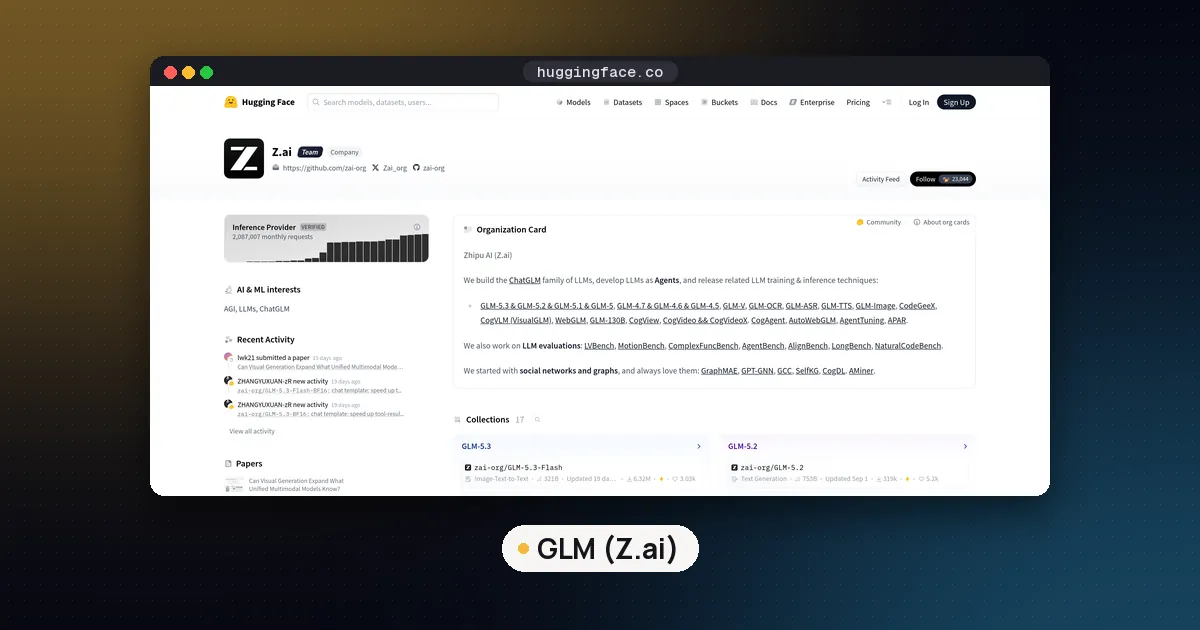
GLM 5.3 Flash is Z.ai's first natively multimodal model in the GLM 5 series, published on Hugging Face on August 25, 2026 under the MIT license. It is back in the news this week: on November 2, a widely shared post on X said Revolut had moved about 2,000 engineers onto self hosted GLM for coding, on 56 Nvidia B200 GPUs, and the story reached the Hacker News front page on November 3. The post did not name the GLM version, and those figures are the post's, not Revolut's. The official repository has passed 6.3 million downloads, and on November 3, 2026 llama.cpp merged tensor split support for its architecture.
What GLM 5.3 Flash is
The model's config.json lists 45 layers. Thirty four of them use a linear attention design called KDA, and the other eleven use DeepSeek style sparse attention with a compressed key and value cache. Each token is routed through 8 of 288 experts plus one shared expert. The context window is 1,048,576 tokens, there is one built in multitoken prediction (MTP) layer, and a 24 layer vision encoder handles images and video. The vLLM recipe counts about 321 billion total and 18 billion active parameters.
Z.ai ships two official checkpoints: the default repository holds native FP8 weights (about 306 GiB, according to vLLM and KTransformers), and a separate BF16 repository roughly doubles that. GLM 5.3 Flash should not be confused with the larger GLM 5.3, which has 744 billion parameters and 40 billion active, and needs well over 200 GB even at 1 bit per Unsloth's GLM 5.3 page. This guide covers Flash only.
Z.ai reports that Flash beats GLM 5.2 and approaches Claude Opus 4.8 on coding and agent work; those are the lab's own numbers. For independent rankings, see our open weight model leaderboard guide.
GLM 5.3 Flash VRAM and RAM requirements
What matters is total memory (VRAM plus system RAM, or unified memory on a Mac), not VRAM alone. Unsloth's GLM 5.3 Flash guide gives these totals:
| Precision | Total memory Unsloth suggests |
|---|---|
| 1 bit | 100 GB |
| 2 bit | 115 GB |
| 3 bit | 128 to 150 GB |
| 4 bit | 162 to 210 GB |
| 8 bit | 350 GB |
| BF16 | 650 GB |
The actual file sizes in the Unsloth GGUF repository, checked on November 3, 2026, are below. The "top 1 match" column is Unsloth's measurement of how often each quant picks the same next token as the full BF16 model.
| GGUF file | Size | Top 1 match with BF16 | Rough fit |
|---|---|---|---|
| UD-IQ1_S | 93.1 GB | 70.9% | 128 GB machine, tight on 96 GB |
| UD-IQ2_XXS | 101.8 GB | 76.3% | 128 GB machine |
| UD-Q2_K_XL | 108.7 GB | 78.3% | 128 GB machine, short context |
| UD-IQ3_XXS | 120.4 GB | 81.6% | 128 GB is the minimum, 150 GB is comfortable |
| UD-Q3_K_XL | 147.5 GB | 86.3% | 160 GB or more |
| UD-Q4_K_XL | 199.7 GB | 92.2% | 256 GB machine |
| UD-Q6_K_XL | 291.8 GB | 95.2% | 320 GB or more |
| Q8_0 | 341.0 GB | n/a | 384 GB or more |
The vision projector (mmproj-F16.gguf, 1.1 GB) is a separate file you only need for images. The "rough fit" column is our reading of Unsloth's table plus the file sizes, not a test.
The long context is cheaper than you might expect. The linear attention layers keep a fixed size state, and only the eleven sparse attention layers store a per token cache. By our own arithmetic from the config (a 512 value compressed latent in each of those eleven layers at 16 bits), that cache is roughly 11 KiB per token, or about 1.4 GB at 128,000 tokens, before indexer keys and runtime overhead. A dense model such as Nanbeige4.3 33B needs about 208 KiB per token, as our Nanbeige guide shows. Treat it as an estimate. For the general method, see how much VRAM you need for an LLM.
Which setup to use
| Your hardware | Best route | File |
|---|---|---|
| Mac with 128 GB unified memory | llama.cpp (Metal) or Unsloth Desktop | UD-IQ2_XXS or UD-IQ3_XXS |
| DGX Spark (128 GB) | llama.cpp (CUDA) | UD-IQ3_XXS |
| One 24 or 32 GB GPU plus 128 GB or more of RAM | llama.cpp with experts in RAM | UD-IQ2_XXS to UD-Q3_K_XL |
| RTX 40 or 50 series GPU plus 350 GB or more of RAM and an AVX-512 CPU | KTransformers with the official FP8 weights | Official FP8 |
| Mac with 256 GB or more | MLX through mlx-vlm, or llama.cpp | mlx-community 4 bit (204 GB) or UD-Q4_K_XL |
| Eight H200 class GPUs | vLLM or SGLang | Official FP8 |
Run GLM 5.3 Flash with llama.cpp
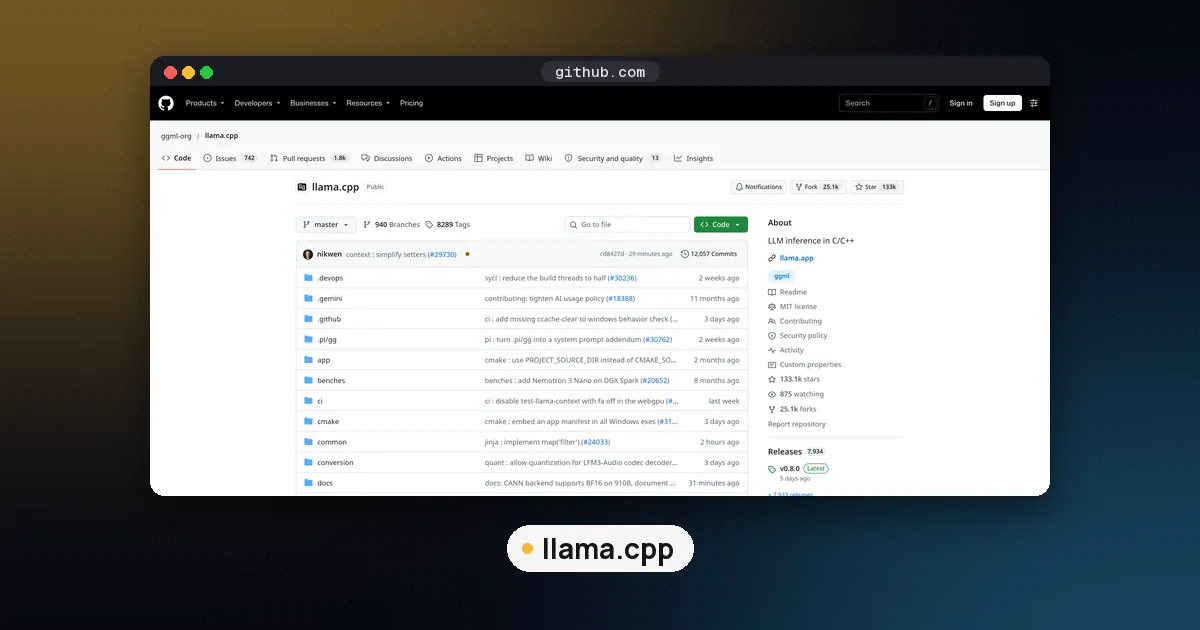
Support for the architecture (called glm5-next inside llama.cpp) was merged into mainline on September 30, 2026, and MTP drafting followed on October 7. Unsloth's guide still points to its own branch from launch week, but a current mainline build should be enough. If your build predates October, update it.
- Build llama.cpp with CUDA, or with Metal on a Mac (Metal is on by default):
git clone https://github.com/ggml-org/llama.cpp
cmake llama.cpp -B llama.cpp/build -DGGML_CUDA=ON
cmake --build llama.cpp/build --config Release -j --target llama-server llama-cli- Download one quant. The files are split into parts, so use a folder filter:
pip install -U "huggingface_hub[cli]"
hf download unsloth/GLM-5.3-Flash-GGUF --local-dir GLM-5.3-Flash-GGUF --include "*UD-IQ3_XXS*"- Start the server with the recommended sampling and a moderate context:
./llama.cpp/build/bin/llama-server \
  -m GLM-5.3-Flash-GGUF/UD-IQ3_XXS/GLM-5.3-Flash-UD-IQ3_XXS-00001-of-00004.gguf \
  --jinja -c 65536 --temp 1.0 --top-p 0.95 \
  --chat-template-kwargs '{"reasoning_effort":"high","clear_thinking":true}'
The server then speaks the OpenAI compatible API on port 8080, which most editors and agent tools can use.
One GPU plus system RAM
On a PC with a single graphics card, keep the attention layers and shared expert on the GPU and push routed experts into RAM with --n-cpu-moe. Start high and lower the number until VRAM is nearly full:
llama-server -m GLM-5.3-Flash-UD-IQ2_XXS-00001-of-00003.gguf \
  -ngl all --n-cpu-moe 40 -c 32768 --jinja --temp 1.0 --top-p 0.95
Check the part count in your file name. Speed will be set mostly by your RAM bandwidth. Our guide on whether a local LLM can use RAM instead of VRAM explains the math and the other offload flags.
Two or more GPUs
The default split mode spreads layers across cards and runs them one after another. The -sm tensor mode, which the llama.cpp server README still labels experimental, splits the weights so the cards work in parallel; support for GLM 5.3 Flash was merged on November 3, 2026, so you need a build from today or later to try it.
Turn on MTP
GLM 5.3 Flash carries its own draft layer, and Unsloth says its GGUFs need no extra MTP file. Add --spec-type draft-mtp --spec-draft-n-max 2 to the server command. On one B200 at a 4,096 token prompt, Unsloth measured 58.6 tokens per second without MTP and 86.5 with two drafted tokens, while drafting three or five tokens was slower than two. Start at 2 on any hardware. Our speculative decoding vs MTP guide covers how this works.
Two llama.cpp bugs were still open on November 3: a SOFT_MAX failure on older Turing GPUs (issue 28144) and an illegal memory access during long prompt processing at -ub 2048 on RTX 50 series cards (issue 28282). If you hit the second one, try a smaller -ub.
Unsloth Desktop
If you would rather not compile anything, Unsloth Desktop (macOS, Windows and Linux) downloads a quant, offloads to RAM automatically and has a toggle for the three thinking levels. From a terminal, unsloth run --model unsloth/GLM-5.3-Flash-GGUF:UD-IQ3_XXS serves it through the same llama.cpp engine.
KTransformers: full FP8 on one GPU
KTransformers reads the official FP8 weights directly with no conversion. Its GLM 5.3 Flash tutorial asks for at least 350 GB of free system memory, an RTX 40 or 50 series GPU (SM89 or SM120) and a CPU with AVX-512 FP8 support, and it has single GPU and four GPU launch examples validated at 501,025 tokens of context. It suits a workstation with lots of RAM that wants native precision. Install with pip install "ktransformers[sglang]" in a clean Python 3.11 environment; the server listens on port 30000.
vLLM and SGLang for teams
For a shared server like the one Revolut described, use vLLM or SGLang. The vLLM recipe's default is the FP8 checkpoint on eight H200 GPUs with tensor parallelism. It supports Hopper and newer NVIDIA GPUs, AMD Instinct MI350 class cards and Huawei Ascend, and needs a vLLM build with native GLM5Next support plus FlashInfer 0.6.17 or newer:
VLLM_USE_RUST_FRONTEND=1 vllm serve zai-org/GLM-5.3-Flash \
  --tokenizer-mode glm5_next --tensor-parallel-size 8 \
  --tool-call-parser glm47 --reasoning-parser glm47 --enable-auto-tool-choice
The recipe notes that the Rust frontend does not handle image or video input yet, so set VLLM_USE_RUST_FRONTEND=0 for multimodal requests, and that Hopper cards cannot use an FP8 KV cache for this model. An NVFP4 build for Blackwell GPUs is listed as well. For how the two servers differ, read SGLang vs vLLM on DGX Spark.
MLX on a Mac
The standard mlx-lm package does not support the glm5_next architecture yet. The mlx-community 4 bit build (204 GB) needs a Mac with 256 GB or more and points to mlx-vlm instead. On a 128 GB Mac, use GGUF through llama.cpp; MLX vs GGUF on Mac compares the formats.
Settings that matter
- Sampling: temperature 1.0 and top_p 0.95 for most work; Unsloth suggests temperature 0.95 and top_p 1.0 for long software engineering runs.
- Thinking: thinking is always on.
reasoning_effortacceptslow,highormax, and anything else falls back tomax, the default. Uselowfor quick questions, sincemaxcan spend thousands of tokens first. - Multiturn chat: the template keeps earlier reasoning unless you pass
clear_thinking=true, which the model card recommends for chat. - Context: start at 32,000 to 64,000 tokens and raise it once the model loads.
Pros and cons
Pros
- MIT license, so commercial use and fine tuning are allowed.
- Only 18 billion active parameters, so it runs with experts in RAM at a speed a dense 300B model never could.
- Small per token cache, so long context is affordable.
- Text, image and video input in one model, plus built in MTP for faster decoding.
Cons
- Needs about 100 GB of memory even at 1 bit, and 1 bit files keep only about 71% top 1 agreement with the full model.
- No local Ollama or LM Studio download; both list it as a cloud model.
- Thinking cannot be switched off, which adds latency to simple requests.
- New architecture: older runtime builds fail to load it.
Who it's for
GLM 5.3 Flash suits people who already own a 128 GB Mac, a DGX Spark or a workstation with a lot of RAM and want the strongest MIT licensed coding and agent model they can keep on premises. If you have a single 24 GB card and 32 or 64 GB of RAM, it will not fit; look at the smaller picks in our list of open source LLM models to run locally instead.
FAQ
Can I run GLM 5.3 Flash on a single RTX 4090 or 5090?
Not on the GPU alone. Even the smallest GGUF is 93.1 GB. With 128 GB or more of system RAM, llama.cpp can keep the routed experts in RAM and the rest on the card, which works because only 18 billion parameters are active per token. With KTransformers and at least 350 GB of RAM, one RTX 40 or 50 series card can run the full FP8 weights.
Does Ollama support GLM 5.3 Flash?
Only as a cloud model. The Ollama library page lists a single glm-5.3-flash:cloud tag, which runs on Ollama's servers, not your machine. For a local copy, use llama.cpp or Unsloth Desktop with the Unsloth GGUF files. LM Studio likewise offers it only as a cloud model.
What is the difference between GLM 5.3 and GLM 5.3 Flash?
GLM 5.3 is the larger model, with 744 billion total and 40 billion active parameters; Unsloth says its 1 bit quant alone needs about 223 GB. Flash is a newly trained 320 billion parameter model with 18 billion active and native image and video input, and it is the one most people can run at home.
Which GLM 5.3 Flash GGUF should I download?
On a 128 GB machine, UD-IQ3_XXS (120.4 GB) is Unsloth's default, and UD-IQ2_XXS (101.8 GB) leaves more room for context. With 256 GB, UD-Q4_K_XL (199.7 GB) keeps about 92% top 1 agreement with BF16. Our GGUF quantization guide explains the quant names.
Is GLM 5.3 Flash free for commercial use?
Yes. The weights use the MIT license, which allows commercial use, modification and redistribution as long as you keep the license notice. The LICENSE file in the official repository has the exact terms.