You can run Inkling 2 Small locally, but only on a machine with roughly 180 GB or more of combined RAM and VRAM, and only with a special build of llama.cpp for now. The smallest file is Unsloth's 1 bit dynamic GGUF at 171.7 GB, the original NVFP4 weights are about 394 GB, and Thinking Machines says the official checkpoint wants at least 500 GB of GPU memory, such as four H200s. A single gaming GPU cannot hold it.
Below: what the model is, memory needs by format, how to run it with llama.cpp or Unsloth, the vLLM and SGLang server setups, what Mac and Ollama users can do today, and who should skip it.
What Inkling 2 Small is
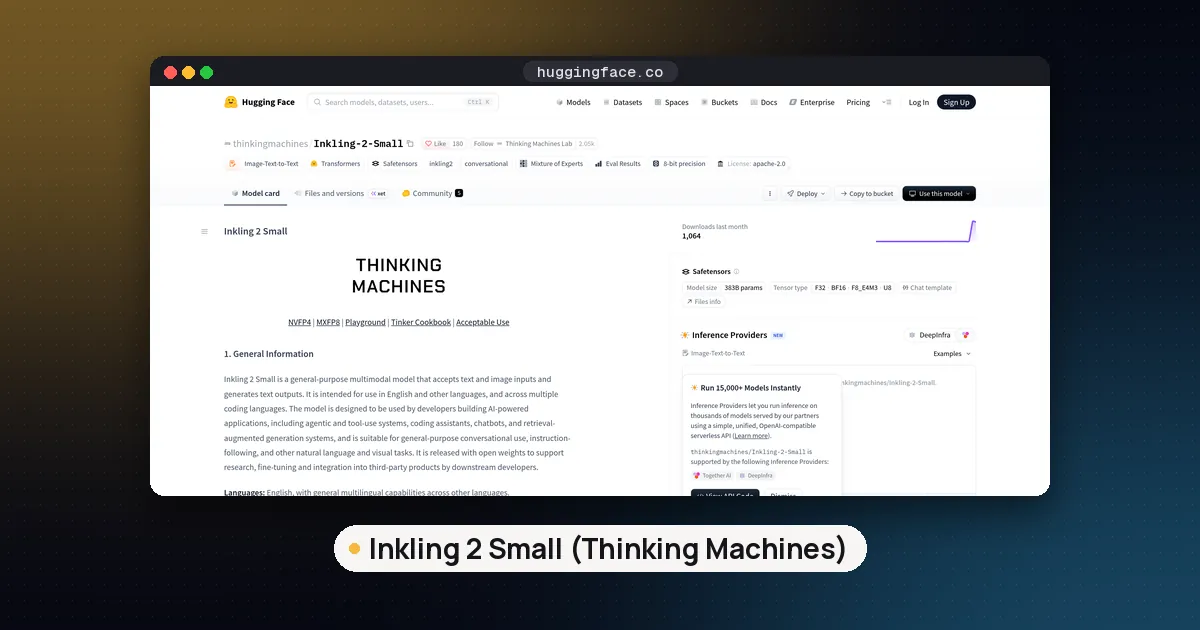
Inkling 2 Small is the second generation model from Thinking Machines Lab. The announcement went out on November 5, 2026 with API access only, and an update on November 12 made the weights downloadable from Hugging Face under the Apache 2.0 license, with a second MXFP8 repo.
Despite the name, it is not small. According to the model card it is a mixture of experts model with:
- 594B total parameters and 17B active per token, with each token routed to 8 of 384 experts
- 48 decoder layers with a mix of local and global attention
- Text and image input, text output
- A context window of up to 1M tokens (1,048,576)
- Native NVFP4 precision: it was pretrained, midtrained and post trained in that format
Thinking Machines reports a score of 31 on the Artificial Analysis Intelligence Index, far above its earlier Inkling models. For how that compares with other open models, see our open weight model leaderboard. This guide sticks to the practical question: what it takes to host the Inkling 2 Small weights yourself.
Inkling 2 Small hardware requirements by format
The 17B active count makes it fast for its size, but you still need memory for all 594B parameters. Here is every format you can download today, with sizes checked on Hugging Face on November 13, 2026.
| Format | Download size | Where it runs | Source |
|---|---|---|---|
Unsloth UD-IQ1_S (1 bit dynamic) | 171.7 GB | llama.cpp branch, Unsloth | Unsloth GGUF repo |
Unsloth UD-IQ2_XXS (2 bit) | 190.6 GB | llama.cpp branch, Unsloth | Unsloth GGUF repo |
Unsloth UD-Q2_K_XL | 205.0 GB | llama.cpp branch, Unsloth | Unsloth GGUF repo |
Unsloth UD-Q3_K_XL | 285.1 GB | llama.cpp branch, Unsloth | Unsloth GGUF repo |
Unsloth UD-Q4_K_XL | 354.2 GB | llama.cpp branch, Unsloth | Unsloth GGUF repo |
MLX oQ4e (community) | 341.5 GB | oMLX on Apple silicon | mlx-community |
| Official NVFP4 | about 394 GB | vLLM, SGLang, TokenSpeed | Thinking Machines |
| Official MXFP8 | about 623 GB | vLLM, SGLang | Thinking Machines |
For the official checkpoints, the model card gives clear GPU targets. The NVFP4 version needs at least 500 GB of combined VRAM, for example two NVIDIA B300s or four H200s. The MXFP8 version needs at least 800 GB, for example four B300s or eight H200s. Thinking Machines recommends NVFP4 for every use and says the MXFP8 gain of 1 to 2 points on evals is not meaningful in practice.
For the GGUF files, Unsloth's Inkling 2 guide warns that file size is not the full memory need. You also need room for the operating system, the KV cache, runtime buffers and the 658 MB vision projector, and it suggests starting at a 32K context. As a rough example (not something we ran), a workstation with 192 GB of RAM and a 24 GB GPU has 216 GB in total, which leaves some headroom over the 1 bit and 2 bit files but not over UD-Q3_K_XL.
If those quant names are new, our GGUF quantization guide explains them, and how much VRAM you need for an LLM shows how to budget memory for a mixture of experts model.
How much quality the small quants lose
Unsloth measured each GGUF against its own lossless reference on WikiText and published the results on the GGUF model card. These are agreement figures, not task scores:
| Quant | Mean KL divergence | Same top token as reference |
|---|---|---|
UD-IQ1_S | 0.0922 | 89.7% |
UD-IQ2_XXS | 0.0577 | 91.8% |
UD-Q2_K_XL | 0.0450 | 92.7% |
UD-Q3_K_XL | 0.0176 | 95.3% |
UD-Q4_K_XL | 0.0029 | 98.0% |
The jump between UD-Q3_K_XL and UD-Q4_K_XL is the biggest one. The 1 bit build picks the same next token as the reference about nine times in ten, so expect it to be noticeably rougher on hard reasoning.
How to run Inkling 2 Small with llama.cpp
Inkling 2 uses a new inkling2 architecture. As of the morning of November 13, 2026, support lives in llama.cpp pull request 32187, which is still open and is stacked on the unmerged Inkling 1 pull request. Release builds of llama.cpp, including the new v1.0.0 tag, will not load these files yet. Builds that only support the first Inkling will not load them either.
The pull request also lists a limitation that matters for hardware choice: on GPU backends other than CUDA, the new banded attention step runs on the CPU. NVIDIA cards from the Turing generation onward get fast prefill kernels. Macs and AMD cards will work but lose some speed.
Steps, adapted from the Unsloth guide:
- Build the branch. On Linux or WSL, install
build-essential,cmake,gitand the CUDA toolkit, then run:
git clone https://github.com/ggml-org/llama.cpp
git -C llama.cpp fetch origin pull/32187/head:inkling2
git -C llama.cpp checkout inkling2
cmake llama.cpp -B llama.cpp/build -DBUILD_SHARED_LIBS=OFF -DGGML_CUDA=ON
cmake --build llama.cpp/build --config Release -j --target llama-cli llama-mtmd-cli llama-server
Use -DGGML_CUDA=OFF on a Mac or for a CPU only build.
- Download a quant and the vision projector with the Hugging Face Hub CLI:
pip install -U huggingface_hub
hf download unsloth/Inkling-2-Small-GGUF --include "UD-IQ2_XXS/*" "mmproj-F16.gguf" --local-dir Inkling-2-Small-GGUF
Keep all five shards in one folder and point llama.cpp at the first one.
- Start the server:
./llama.cpp/build/bin/llama-server \
  -m Inkling-2-Small-GGUF/UD-IQ2_XXS/Inkling-2-Small-UD-IQ2_XXS-00001-of-00005.gguf \
  --mmproj Inkling-2-Small-GGUF/mmproj-F16.gguf \
  --jinja -ngl 99 -c 32768 \
  --temp 1.0 --top-p 1.0 --top-k 0 --min-p 0.0 \
--chat-template-kwargs '{"reasoning_effort":"high"}'- Open
http://localhost:8080to chat and upload images. If the model does not fit in VRAM, lower-nglso more layers stay in system RAM. Leave out--mmprojfor text only use.
Few people have 190 GB of VRAM, so the usual setup is a GPU plus a lot of system RAM. Our guide on whether a local LLM can use RAM instead of VRAM covers the offload flags, and how to use llama.cpp covers the server basics.
The easier route: Unsloth Desktop
If you would rather not compile anything, Unsloth says its desktop app for macOS, Windows and Linux already includes Inkling 2 support. Search the model hub inside the app for unsloth/Inkling-2-Small-GGUF, download a quant (plus mmproj-F16.gguf for images) and load it with a 32,768 token context. The memory rules are the same as above.
Self host Inkling 2 Small on servers with vLLM or SGLang
For production serving with the official weights, Thinking Machines points to vLLM, SGLang and TokenSpeed.
The vLLM recipe uses a dedicated Docker image, vllm/vllm-openai:inkling-2-small, until support reaches a vLLM release. Its example targets four B200 GPUs (tensor parallel 4) with the NVFP4 checkpoint:
docker run --gpus all --privileged --ipc=host -p 8000:8000 \
  -v ~/.cache/huggingface:/root/.cache/huggingface \
  vllm/vllm-openai:inkling-2-small thinkingmachines/Inkling-2-Small \
  --tensor-parallel-size 4 --max-model-len 262144 --max-num-seqs 256 \
  --reasoning-parser inkling \
  --speculative-config '{"method":"dspark","num_speculative_tokens":7,"draft_sample_method":"probabilistic"}'
A few points from the recipe and the vLLM launch post:
- One four GPU tray handles contexts up to 262,144 tokens. The full 1M context needs two trays at tensor parallel 8.
- The model ships with its own DSpark speculative decoding draft, and the commands above turn it on.
- vLLM reports up to 630 tokens per second per user at tensor parallel 4, and supports LoRA adapters.
The SGLang day zero post says SGLang serves both checkpoints on NVIDIA, AMD and Google hardware, with DSpark, prefix caching and image input. For how the two engines differ in general, see SGLang vs vLLM.
Can you run Inkling 2 Small in Ollama or on a Mac?
Ollama: not locally. The Ollama library page lists only inkling-2-small:cloud, which runs on Ollama's servers and is billed at $0.30 per million input tokens and $1.00 per million output tokens. That is handy for trying the model from the same Ollama client, but your prompts leave your machine.
Mac: the first MLX build, mlx-community/Inkling-2-Small-oQ4e, appeared on November 13. It is 341.5 GB, keeps most experts in their original NVFP4 format and is made for the oMLX runtime, so it only suits a Mac with well over 341 GB of unified memory, or several linked Macs. The llama.cpp branch also builds on macOS with Metal, and the GGUF route needs far less memory at 1 or 2 bit, but the banded attention step runs on the CPU there. We have not tested either path.
Settings that matter
These come from the Unsloth guide and the official GGUF template:
- Sampling: temperature 1.0, top p 1.0, top k 0, min p 0. Thinking Machines runs its own evals at temperature 1.0.
- Reasoning effort: pass
reasoning_effortasnone,minimal,low,medium,high(the default) orxhigh. Thinking Machines evaluates atxhigh.noneasks for no thinking but does not strictly guarantee it. - Chat template: it is embedded in every GGUF; always add
--jinjain llama.cpp. - Context: start at 32K and raise it only if you have memory to spare, since the KV cache grows with every token.
License terms for self hosting
Inkling 2 Small uses plain Apache 2.0, both on Thinking Machines' model card page and on Hugging Face. That allows commercial use, modification and redistribution as long as you keep the license and attribution notices. It is still open weight rather than fully open source, since the training data and code are not public; our explainer on open weight vs open source covers the difference.
Community quants inherit the license but not the vendor's checks. Prefer the Unsloth, ggml-org and mlx-community uploads, and avoid "uncensored" remixes, which strip the safety tuning the model card describes.
Pros and cons
Pros
- Apache 2.0 with no extra conditions
- Only 17B active parameters, so it generates faster than dense or heavier MoE models of similar size
- Image input and a 1M token context in the same weights
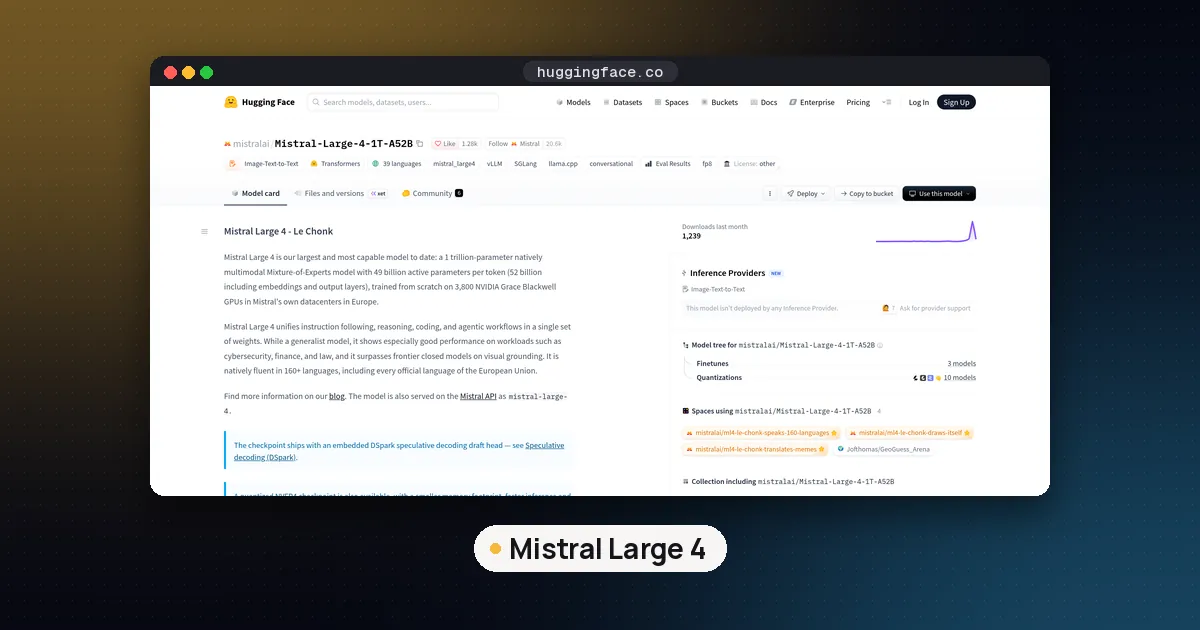
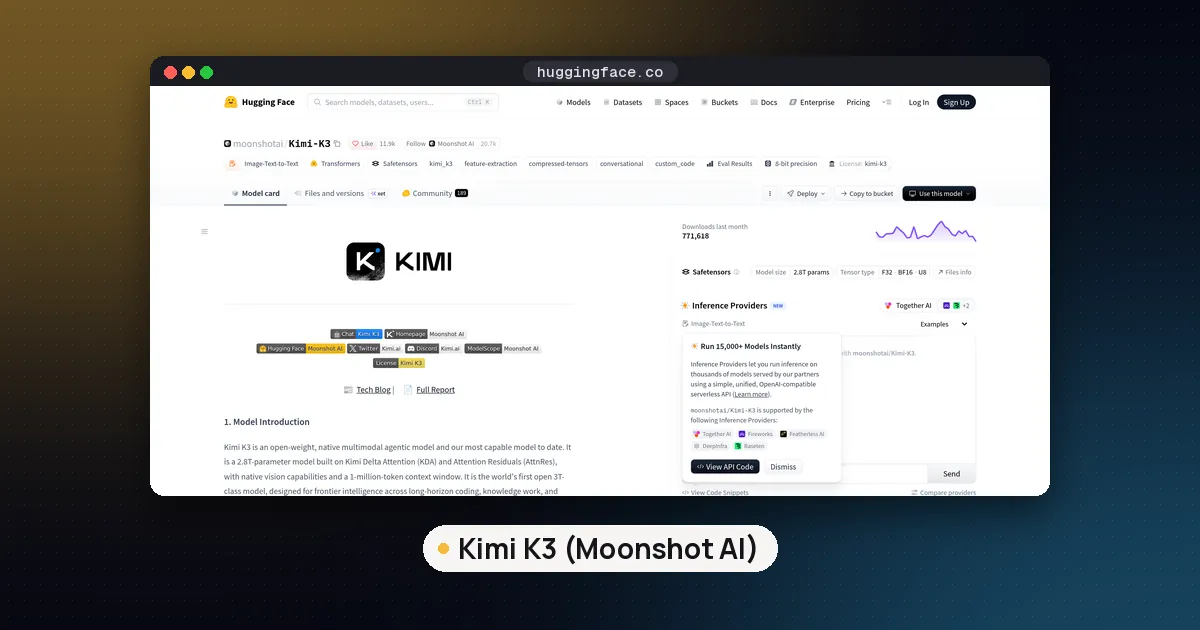
- 1 bit and 2 bit GGUFs under 200 GB, smaller than the smallest Kimi K3 build at 594 GB or the roughly 256 GB Mistral Large 4 GGUF
Cons
- llama.cpp support is still an unmerged branch, and Ollama and LM Studio cannot run it locally yet
- Even the smallest file needs a workstation or server class amount of memory
- The official NVFP4 checkpoint expects recent NVIDIA data center GPUs
- No first hand speed numbers on consumer hardware yet
Who should run it locally, and who should not
Good fit: teams with a GPU server or a large memory workstation who want a capable multimodal agent model under a clean license, and who are comfortable building llama.cpp from a branch or running vLLM nightly images.
Poor fit: anyone with under about 192 GB of combined memory, or anyone who wants a model that installs with one click today. Use a hosted endpoint, the Ollama cloud tag or Tinker to try it first, and look at our list of open source LLMs to run locally for models that fit 24 to 64 GB.
FAQ
Can I run Inkling 2 Small locally on a normal PC?
Not on a typical one. The smallest GGUF is 171.7 GB, so you need roughly that much RAM and VRAM combined plus headroom. A PC with 192 GB or more of RAM and a GPU can load the 1 or 2 bit builds through the llama.cpp branch, but it will be slow compared with a GPU server.
Is Inkling 2 Small on Hugging Face?
Yes. Thinking Machines published thinkingmachines/Inkling-2-Small (NVFP4, about 394 GB) and thinkingmachines/Inkling-2-Small-MXFP8 (about 623 GB) on November 12, 2026. Unsloth's GGUFs are in unsloth/Inkling-2-Small-GGUF.
Does llama.cpp support Inkling 2 Small?
Only through pull request 32187, which was still open on November 13, 2026. Build that branch or use Unsloth Desktop. Release builds, including v1.0.0, do not load the inkling2 architecture yet.
How much VRAM does Inkling 2 Small need?
With the official NVFP4 weights, at least 500 GB of GPU memory, such as four H200s or two B300s. The MXFP8 weights need at least 800 GB. With GGUFs you can mix GPU memory and system RAM, starting from about 172 GB for the 1 bit build.
Is Inkling 2 Small free for commercial use?
Yes. It is released under Apache 2.0, which allows commercial use, fine tuning and redistribution as long as you keep the license and attribution notices.
Is Inkling 2 Small the same as Inkling Small?
No. Inkling Small is the earlier, smaller model at 276B total and 12B active, according to the vLLM recipes page. Inkling 2 Small is a new generation with a different inkling2 architecture, so older Inkling Small builds and runtimes do not carry over.