The best LM Studio alternative for Windows for most people is Jan: a free, Apache 2.0 desktop app with a Windows installer, a built in llama.cpp engine and a local OpenAI compatible server, so it covers the same "download a model and chat" job without a closed license. Pick Ollama if you mainly want a background model server for other apps, KoboldCpp if you want a single portable .exe, AnythingLLM if chatting with your own documents is the point, Lemonade if you own an AMD Ryzen AI or Radeon PC, and plain llama.cpp if you want every setting. All six are open source and run GGUF models on your own GPU or CPU.
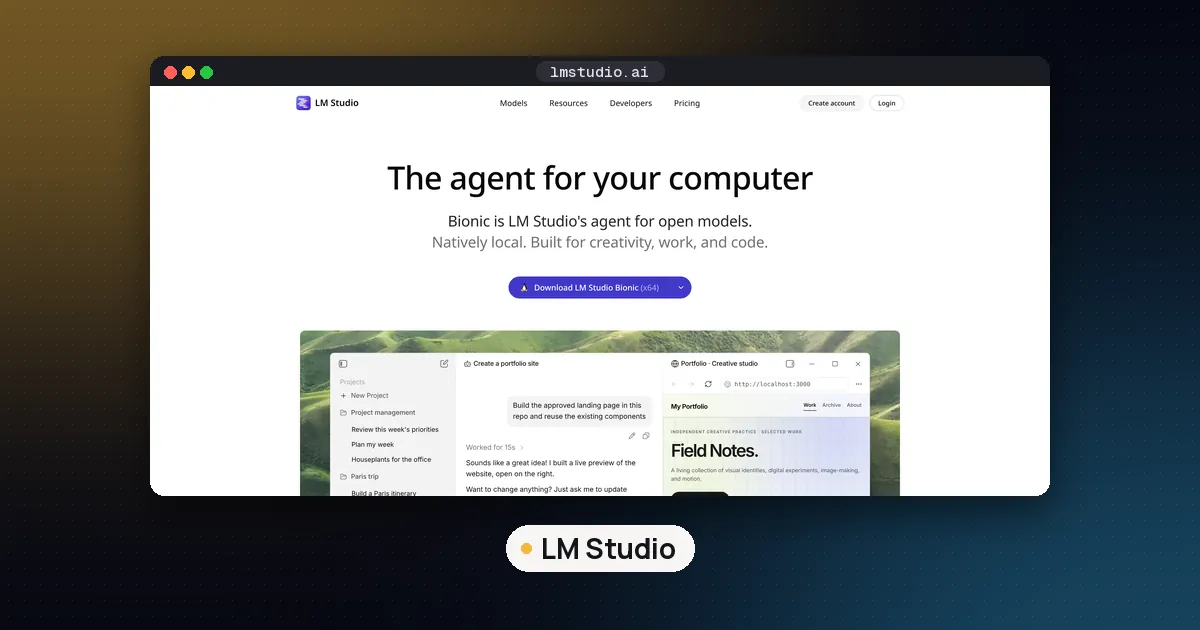
LM Studio itself is still a good app. People look for alternatives for a few concrete reasons: the desktop app's source code is closed (its lms CLI, SDK and MLX engine are MIT licensed), its terms of use (version of August 23, 2026) grant a license for "personal and / or internal business purposes" only and now include a section on paid features, and the company's newest app, Bionic, is an agent for documents and code rather than a plain chat window. If you only want to run open weight models privately on a Windows PC, the tools below do that with licenses you can read.
This guide lists what each alternative is, what it needs on Windows and where it falls short, using each project's own release notes and docs as checked on November 11, 2026. If you are deciding between the three best known runners, our comparison of Ollama vs llama.cpp vs LM Studio goes deeper on those.
LM Studio alternatives for Windows at a glance
| Tool | What it is | License | Latest release (checked Nov 11) | Windows builds | Best for |
|---|---|---|---|---|---|
| Jan | Desktop chat app with local API | Apache 2.0 | v0.8.8, late October 2026 | x64 and arm64 installers | Closest LM Studio replacement |
| Ollama | Background model server plus CLI | MIT | v0.40.16, Nov 9, 2026 | Installer and standalone zip | Serving models to other apps |
| KoboldCpp | One file llama.cpp build with web UI | AGPL 3.0 | 1.124.2, Oct 31, 2026 | CUDA, nocuda and oldpc .exe files | Portable setup, creative writing, media generation |
| AnythingLLM | Desktop and Docker app for document chat and agents | MIT | v1.19.0, Oct 26, 2026 | x64 and Arm64 .exe | Chatting with your own files |
| Lemonade | Local AI server with model manager | Apache 2.0 | v2026.45.3, Nov 4, 2026 | Windows 11 .msi | AMD Ryzen AI and Radeon PCs |
| llama.cpp | The inference engine itself | MIT | Rolling builds | winget package and zips | Full control and newest model support |
Versions change weekly, so treat the release column as a snapshot. GPT4All, a popular pick in older lists, is covered further down: its last tagged release is v3.10.0 from February 2025.
Jan: the closest drop in replacement
Jan looks and works the most like LM Studio. You install it, browse and download models inside the app, chat with them, and switch on a local API server that speaks the OpenAI format so editors and scripts can call it. The v0.8.8 release ships separate Windows installers for x64 and arm64 and moves its bundled llama.cpp engine to version 0.7.0, which adds an MoE expert GPU cache and new speculative decoding settings per model.
That same release is mostly a security update, and two changes matter on Windows. It fixes local models that failed to load when the Windows user name contained non English characters, such as Cyrillic. It also adds Trusted Hosts to the local API server: a browser based client on another machine (Open WebUI's direct connection is the example the notes give) now needs its host added under Settings, Local API Server, Trusted Hosts. Scripts, SDKs and curl calls without a browser origin work as before.
Choose Jan if you like LM Studio's workflow and want the same thing under an Apache 2.0 license. Skip it if you need MLX on an Intel Mac; the release notes say local models do not run on Intel Macs.
Ollama: best when other apps need a model
Ollama is less a chat app than a model server. It installs per user without Administrator rights, runs in the background and serves its API at http://localhost:11434. The Windows docs list Windows 10 22H2 or newer, NVIDIA driver 551.61 or newer for NVIDIA cards, and either a ROCm v7 capable driver or a Vulkan capable Radeon driver for AMD. Vulkan is on by default and is the suggested fallback for some RX 6000 cards.
Two Windows details save time. Models can take tens or hundreds of GB, so set the OLLAMA_MODELS environment variable for your account if your home drive is small, then quit and restart the tray app. And if you want Ollama as a system service rather than a tray app, the docs point to a standalone ollama-windows-amd64.zip you can run with ollama serve.
The latest stable release, v0.40.16 from November 9, adds CUDA 13.5 for Windows on ARM. For a full browser chat interface on top of Ollama, pair it with Open WebUI; our guide on how to use Open WebUI covers the connection.
Choose Ollama if your goal is to feed a coding tool, a notes app or your own scripts. Our guide to using a local LLM in VS Code shows that setup.
KoboldCpp: one .exe, no installer
KoboldCpp packs a llama.cpp based engine, a web interface and an API into a single file. Per the 1.124.2 release notes, Windows users with an NVIDIA GPU download koboldcpp.exe; older CPUs or older NVIDIA cards use the oldpc build (CUDA 11 and AVX1); anyone without an NVIDIA GPU uses the smaller nocuda build, and AMD owners are told to try its Vulkan option first. Once loaded, it serves on http://localhost:5001.
It goes well beyond text. This release adds music generation with YuE2, a long list of text to speech models with voice cloning, and newer image models through its stable diffusion integration, including Flux 3 Klein and MOSS Image (our guides to Flux 3 Klein in ComfyUI and MOSS Image in ComfyUI cover those models in more depth).
Choose KoboldCpp if you want something you can carry on a USB drive or run without installing anything, or you write fiction and role play. Note the AGPL 3.0 license if you plan to build it into a product.
AnythingLLM: for chatting with your documents
AnythingLLM is built around workspaces of your own files: PDFs, Office documents, web pages and code repositories, with retrieval, agents and MCP tools on top. The desktop app comes as AnythingLLMDesktop.exe for x64 Windows and a separate Arm64 build in the v1.19.0 release.
It can use Ollama or LM Studio as its model provider, but it does not have to. The release notes say the desktop app already ships a built in engine, and v1.19.0 brings the same to the Docker image: AMD's Lemonade server running models through llama.cpp, with CUDA for NVIDIA, Vulkan for AMD and Intel GPUs, or the CPU. In Docker it is off by default and switched on with -e ENABLE_BUILT_IN_LLM=true.
LM Studio vs AnythingLLM is really a question of focus. LM Studio is best at finding and testing models; AnythingLLM is best when the model is a means to search and summarize your own material. You can also run both, with AnythingLLM pointed at LM Studio's server.
Lemonade: built for AMD PCs
Lemonade is an open source local AI server, built by the community with optimizations from AMD engineers for Ryzen AI, Radeon and Strix Halo PCs, according to its README. It installs on Windows 11 from an .msi, includes a model manager and built in interfaces for chat, image generation and speech, and exposes OpenAI, Anthropic and Ollama compatible APIs, so most apps that work with LM Studio or Ollama can point at it instead. The CLI is short: lemonade run Gemma-4-E2B-it-GGUF downloads and chats with a small Gemma model.
Choose Lemonade if you bought an AMD laptop or desktop with an NPU or a Radeon GPU and want the vendor tuned path. On NVIDIA hardware the other options here are better known.
llama.cpp: the engine underneath
llama.cpp is the engine behind LM Studio's GGUF runtime, Jan, KoboldCpp and the built in engine in AnythingLLM's Docker image. Running it directly gives you the newest model support first and every knob: GPU offload, context length, KV cache quantization and speculative decoding. On Windows it installs with winget install llama.cpp, and its server ships a built in web chat page. The tradeoff is that you pick settings yourself. Our step by step guide on how to use llama.cpp covers Windows install, model files and the server.
What about GPT4All?
GPT4All still appears near the top of many LM Studio alternative lists, and it is MIT licensed with Windows x64 and ARM installers. But its latest release, v3.10.0, dates from February 2025, and the repository has seen no new pushes since May 2025 according to GitHub. A runner that has not shipped in over a year will not support recent model architectures, so we no longer recommend it for new setups.
LM Studio alternatives that are open source
Every pick in this guide is open source, which is the main thing LM Studio is not. The licenses differ in ways that matter if you build on them:
- MIT (Ollama, llama.cpp, AnythingLLM, GPT4All): very permissive; keep the copyright notice.
- Apache 2.0 (Jan, Lemonade): permissive, with an explicit patent grant.
- AGPL 3.0 (KoboldCpp): if you modify it and offer it to others over a network, you must share your changes.
For personal use on your own PC none of these terms get in the way. Remember that the model weights carry their own licenses, separate from the app; our explainer on open weight vs open source walks through what that means.
How to choose
- You want LM Studio's experience without its license: Jan.
- You want a model available to other apps all day: Ollama, optionally with Open WebUI on top.
- You cannot or do not want to install software: KoboldCpp.
- You want answers from your own documents: AnythingLLM.
- You have an AMD Ryzen AI or Radeon machine: Lemonade.
- You want maximum control or a model released this week: llama.cpp.
Whichever you pick, the model and your hardware decide speed far more than the app does. Check how much VRAM you need for an LLM before downloading, and read our guide to GGUF quantization to choose the right file. For a shortlist of models worth trying, see our open source LLM models to run locally; gpt-oss and Gemma are sensible first downloads once you know your memory budget.
FAQ
Is there a free open source alternative to LM Studio?
Yes. Jan (Apache 2.0) is the closest match: a desktop app with a model browser, chat window and local OpenAI compatible server. Ollama, KoboldCpp, AnythingLLM, Lemonade and llama.cpp are also free and open source, each with a different focus.
What is the best LM Studio alternative for Linux?
All six tools in this guide run on Linux. Jan ships AppImage and .deb packages, KoboldCpp ships a single koboldcpp-linux-x64 binary, Ollama and llama.cpp are common on Linux servers, and Lemonade has packages for Ubuntu, Debian, Fedora and Arch. For a headless server, Ollama or llama.cpp with Open WebUI is the usual pairing.
What is the best LM Studio alternative for Mac?
On Apple silicon, Jan ships a universal .dmg, Ollama has a Mac app, and KoboldCpp has a koboldcpp-mac-arm64 binary. If you want Apple's MLX format specifically, LM Studio remains one of the easiest options; our MLX vs GGUF on Mac guide explains when MLX is worth it.
Can I use my LM Studio models in another app?
Usually yes. LM Studio stores GGUF files in a publisher and model folder layout, and any llama.cpp based tool can load a GGUF file directly. Jan, KoboldCpp and llama.cpp can open the same file, so you do not need to download it again. MLX models only work in MLX based tools.
Is LM Studio free for work use?
LM Studio's current terms grant a license for personal and internal business purposes and list restrictions such as no redistribution or service bureau use. Paid features may apply to some parts of the software. Read the terms yourself if your company has rules about closed source tools.
Do these alternatives send my chats anywhere?
Run with local models, all of them process prompts on your own machine. Several can also connect to cloud providers if you add an API key, so check which model is selected before you paste anything sensitive.