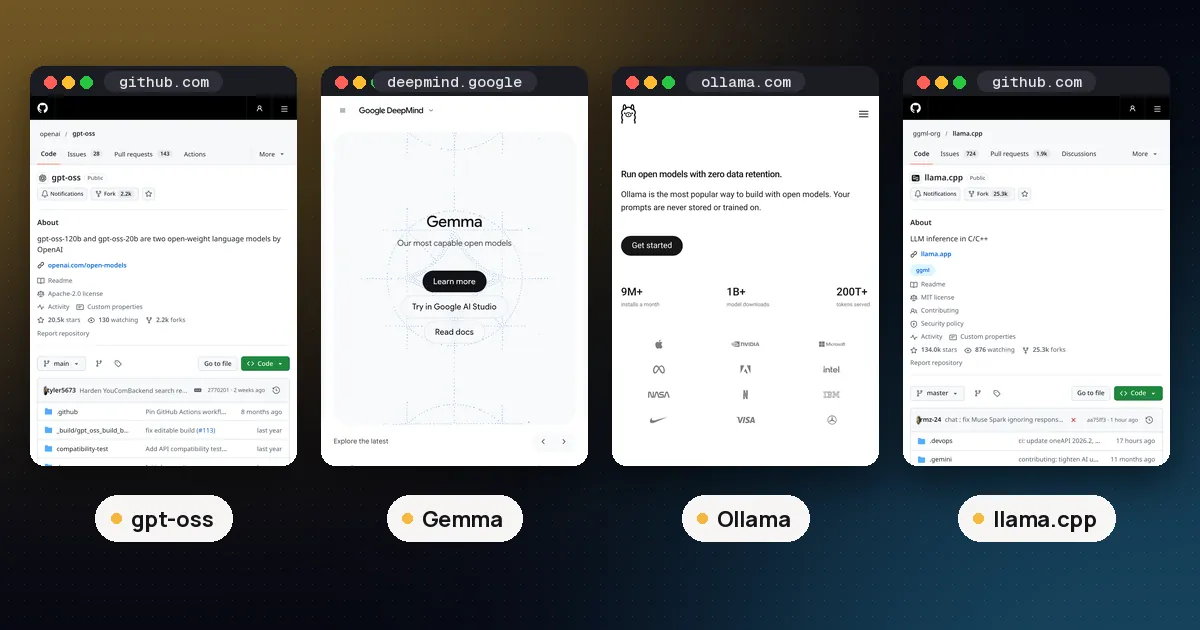
To run gpt-oss locally, install Ollama and type ollama run gpt-oss:20b. The 20b model needs about 16 GB of memory, so it fits on a 16 GB GPU or a Mac with 16 GB or more of unified memory. The 120b model is designed to fit on a single 80 GB GPU, and its download is 65 GB, so on a Mac or PC you need more than that in unified memory or VRAM plus system RAM. Both are free to download under the Apache 2.0 licence, and you can also run them with LM Studio, llama.cpp, vLLM or Hugging Face Transformers.
This guide covers what the two models are, the hardware each needs, setup commands for every major runtime, and the settings that trip people up.
What gpt-oss is
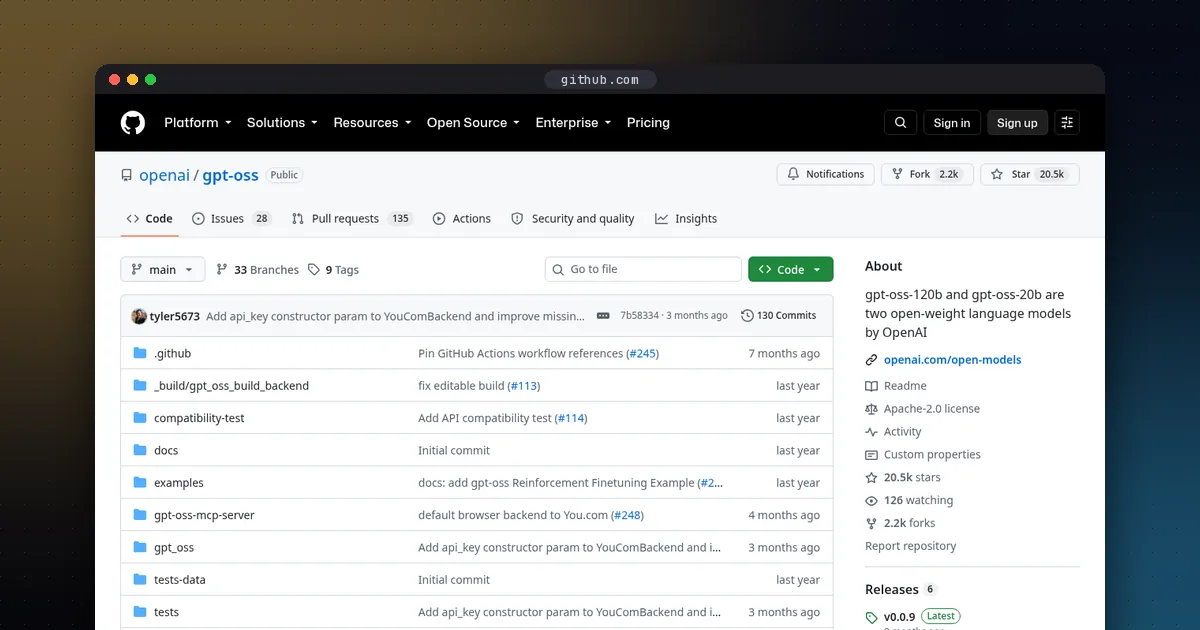
gpt-oss is OpenAI's family of open weight reasoning models, released on August 5, 2025. It was OpenAI's first open weight language model release since GPT-2. As of November 3, 2026, OpenAI's Hugging Face page still lists no general purpose successor; the only follow up is gpt-oss-safeguard, a research preview pair of safety classification models fine tuned from gpt-oss.
Key facts from the official repository and model card:
- Two sizes. gpt-oss-120b has 36 layers, about 117 billion total parameters and 5.1 billion active per token. gpt-oss-20b has 24 layers, about 21 billion total and 3.6 billion active.
- Mixture of experts. Only a few experts run for each token, which keeps generation fast.
- Native MXFP4. The expert weights were post trained in the 4 bit MXFP4 format, so the official download is already compact.
- Text only, with a context window of about 128,000 tokens.
- Licence: Apache 2.0, plus OpenAI's gpt-oss usage policy. Our explainer on open weight vs open source covers what that means.
- Not on the OpenAI API. OpenAI's help centre says you run it yourself or through a third party host.
Hardware: what you need
| Item | gpt-oss-20b | gpt-oss-120b |
|---|---|---|
| Official memory guidance | Runs within 16 GB of memory | Fits a single 80 GB GPU, such as an H100 or MI300X |
| Ollama download size (rechecked Nov 12, 2026) | 14 GB | 65 GB |
| LM Studio minimum system memory | 12 GB | 65 GB |
| Realistic local hardware | 16 GB GPU, or a Mac with 16 GB or more | 80 GB GPU, multiple GPUs, or a Mac with enough unified memory for 65 GB plus context |
| Best for | Laptops, desktops, low latency tools | Workstations and servers, harder reasoning tasks |
These figures cover the weights. Your context window needs extra memory, although gpt-oss is efficient here: half its layers use a 128 token sliding window, so long contexts cost much less than in a typical dense model. Our VRAM guide works through the numbers, and KV cache quantization can shrink the cache further.
Hardware to run gpt-oss-120b locally
Three setups work for the 120b model:
- One 80 GB data centre GPU (H100, A100 80 GB, MI300X). The vLLM recipe for gpt-oss says it fits a single A100 80 GB and can be split over 2, 4 or 8 GPUs for more throughput.
- A Mac with a lot of unified memory. You need room for the 65 GB of weights plus context and macOS itself, so think 96 GB or 128 GB configurations rather than 64 GB.
- A consumer GPU plus system RAM. llama.cpp's
--n-cpu-moe Nflag keeps the expert weights of the first N layers in system RAM while attention stays on the GPU. That is slower than a full GPU load but far faster than splitting whole layers; our guide to using RAM instead of VRAM explains why.
llama serve -hf ggml-org/gpt-oss-120b-GGUF --n-cpu-moe 24 -c 16384Raise or lower the number until the model loads without running out of VRAM. If you only want to try 120b, ollama run gpt-oss:120b-cloud runs it on Ollama's servers instead of your machine.
Option 1: Ollama (easiest)
Install Ollama, then:
ollama run gpt-oss:20b
# or, with enough memory
ollama run gpt-oss:120b
Ollama supports MXFP4 natively, so it runs the official weights without requantizing. Your apps can reach it at http://localhost:11434/v1 using any OpenAI compatible client.
To set reasoning effort through the API, pass a think value of low, medium or high. Ollama's thinking docs show that gpt-oss defaults to medium. If you use gpt-oss with coding tools or long documents, raise Ollama's context length: its context docs set 4k tokens by default under 24 GiB of VRAM and recommend at least 64,000 for agents and coding tools. For a ChatGPT style window on top, see how to use Open WebUI.
Option 2: LM Studio (desktop app)
In LM Studio, search for gpt-oss and download it, or use the CLI:
lms get openai/gpt-oss-20b
lms server start
LM Studio gives you a chat window and a local server on port 1234. On Apple Silicon it can use either its llama.cpp or MLX runtime; see MLX vs GGUF on Mac. See our comparison of Ollama vs llama.cpp vs LM Studio if you are undecided.
Option 3: llama.cpp (most control)
llama.cpp can download the official GGUF conversion straight from the Hugging Face Hub:
llama serve -hf ggml-org/gpt-oss-20b-GGUF --reasoning-effort highThat starts an OpenAI compatible server and web UI on http://127.0.0.1:9931 (llama.cpp's default since PR #30159; Docker images still use 8080). The official file is gpt-oss-20b-MXFP4.gguf, which keeps the native 4 bit experts; our GGUF quantization guide explains the MXFP4_MOE type. The --reasoning-effort flag passes your chosen level to the chat template. Our llama.cpp tutorial covers install and flags. Add -c to set the context size, and use the GPU offload flags if you need to split the 120b model between GPU and CPU.
Option 4: vLLM (serving many users)
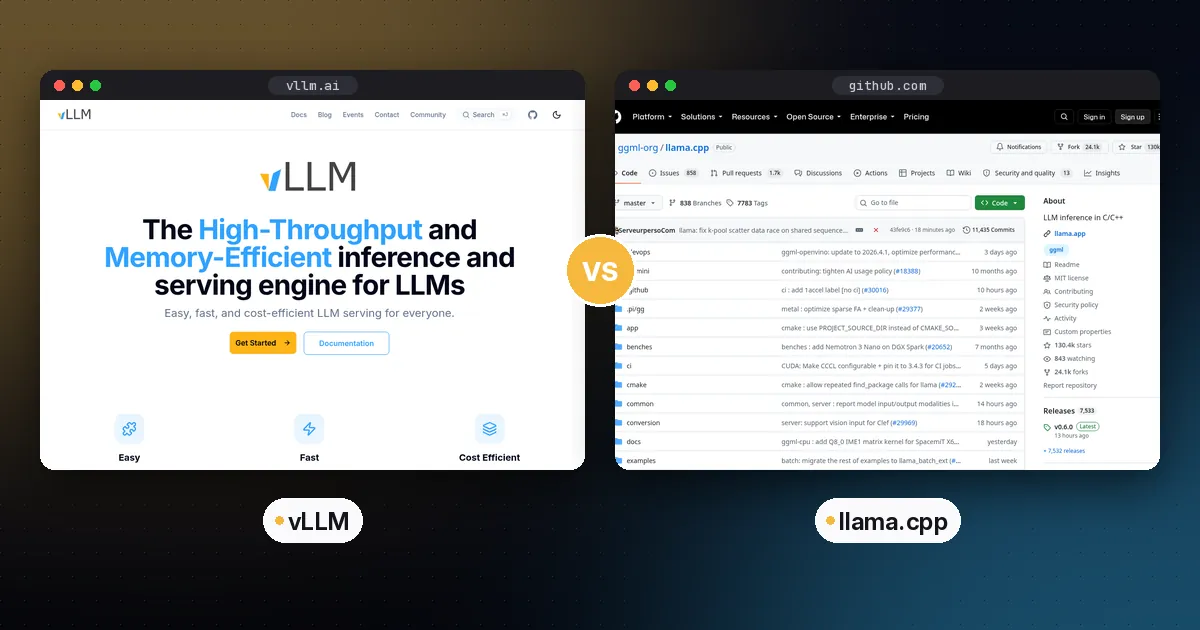
On an NVIDIA or AMD GPU server, vLLM gives the best throughput when several people or processes share the model; our vLLM vs llama.cpp guide explains why. Current vLLM releases list GPT-OSS among supported mixture of experts architectures:
uv pip install vllm
vllm serve openai/gpt-oss-20b
The server listens on port 8000 by default. vLLM 0.33.0 (November 2, 2026) ships CUDA 13 builds only, so update your NVIDIA driver first. OpenAI's own README pins a special early build from launch week; with a current release, follow the vLLM docs instead.
Option 5: Transformers (for Python and research)
Transformers loads gpt-oss with a standard pipeline, and its chat template applies the harmony format for you:
from transformers import pipeline

pipe = pipeline("text-generation", model="openai/gpt-oss-20b",
                torch_dtype="auto", device_map="auto")
messages = [{"role": "user", "content": "Explain MXFP4 in two sentences."}]
print(pipe(messages, max_new_tokens=256)[0]["generated_text"][-1])
This route is best for experiments, interpretability work and fine tuning prep rather than daily chat.
Run gpt-oss locally on a Mac
On Apple Silicon, the 20b model is the comfortable choice: LM Studio lists 12 GB as its minimum system memory, so a 16 GB Mac works with a modest context. Use Ollama or LM Studio for the simplest setup. LM Studio can also run MLX builds; our MLX vs GGUF on Mac guide explains the difference and the wired memory setting that lets macOS give the GPU more of your RAM. The 120b model needs a high memory Mac, as described above.
Settings that matter
Reasoning effort
gpt-oss supports three reasoning levels: low for fast replies, medium for balance, and high for deeper analysis. The model card on Hugging Face says you can set it in the system prompt, for example "Reasoning: high". Runtimes expose the same setting as a flag or API field. Higher effort means more thinking tokens, which means slower answers and more context used.
The harmony format
Both models were trained on OpenAI's harmony response format and, per OpenAI, will not work correctly without it. Ollama, LM Studio, llama.cpp's built in template and the Transformers chat template handle this automatically. Problems usually appear only when you build raw prompts by hand or use an outdated GGUF with a broken template; if output looks garbled, update your runtime and redownload the model.
Chain of thought
gpt-oss returns its full reasoning trace separately from the final answer. OpenAI says this trace is for debugging and is not intended to be shown to end users, so hide it in customer facing apps.
Pros and cons
- Pros: permissive Apache 2.0 licence; 20b runs on common hardware; fast thanks to mixture of experts; adjustable reasoning effort; built in support for function calling, web browsing and Python tools; supported by every major runtime.
- Cons: text only, with no image input; over a year old, with no general purpose successor; newer open weight families such as Qwen and Gemma have released since; the 120b model still needs data centre class memory.
If you are deciding between this model and Google's newer family, our gpt-oss vs Gemma 4 comparison lines up sizes, memory, context and vendor benchmarks.
Fine tuning gpt-oss
OpenAI says gpt-oss-20b can be fine tuned on consumer hardware and gpt-oss-120b on a single H100 node. Unsloth publishes free Colab notebooks for gpt-oss-20b fine tuning and GRPO reinforcement learning. Fine tune with the harmony format, then export back to GGUF or serve with vLLM; our guide to fine tuning an LLM locally walks through the steps.
Who should run gpt-oss locally?
- Developers who want a capable local reasoning model with a clean licence for commercial work.
- Privacy sensitive teams who cannot send data to a hosted API.
- Researchers studying reasoning traces, tool use or safety behaviour in an open model.
- Anyone with a 16 GB GPU or Mac who wants a strong all rounder without heavy quantization.
From Ahzy Capital (our own products, labeled as such): Get the free AI Agent Cheat Sheet: 24 copy and paste AI agent setups for 8 types of small business, with prompts and workflows. We make and sell these, so they aren't independent picks.
FAQ
Can I run gpt-oss-20b on a 16 GB GPU?
Yes. OpenAI says gpt-oss-20b runs within 16 GB of memory thanks to its native MXFP4 weights, and Ollama's download is 14 GB. Keep the context window modest so the KV cache still fits.
Can I run gpt-oss-120b locally?
Yes, if you have about 80 GB of fast memory: one 80 GB GPU, a Mac with 96 GB or more of unified memory, or a 16 to 24 GB GPU plus plenty of system RAM using llama.cpp's --n-cpu-moe offload, which is much slower.
gpt-oss 20b vs 120b: which should I run?
Start with 20b. It runs on common 16 GB hardware and answers quickly. Move to 120b only if you have the memory and need harder reasoning; both share the same licence, context length and reasoning effort settings.
Can I run gpt-oss on a Mac?
Yes. Ollama, LM Studio and llama.cpp all support Apple Silicon. The 20b model suits Macs with 16 GB or more of unified memory; the 120b model needs enough unified memory for its 65 GB download plus context.
Is gpt-oss free for commercial use?
It is released under the Apache 2.0 licence, which allows commercial use, modification and redistribution, subject to OpenAI's gpt-oss usage policy. Both models are text only and are not offered on the OpenAI API.
How do I change gpt-oss reasoning effort?
Set "Reasoning: low", "Reasoning: medium" or "Reasoning: high" in the system prompt, or use your runtime's control: the think field in Ollama's API or the --reasoning-effort flag in llama.cpp.