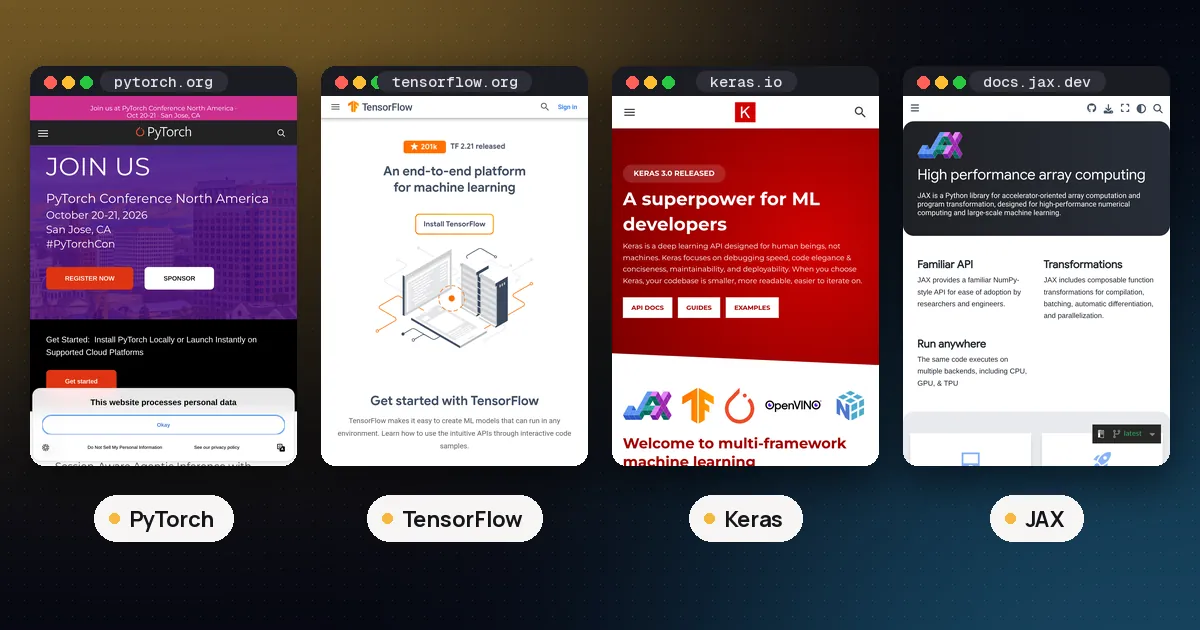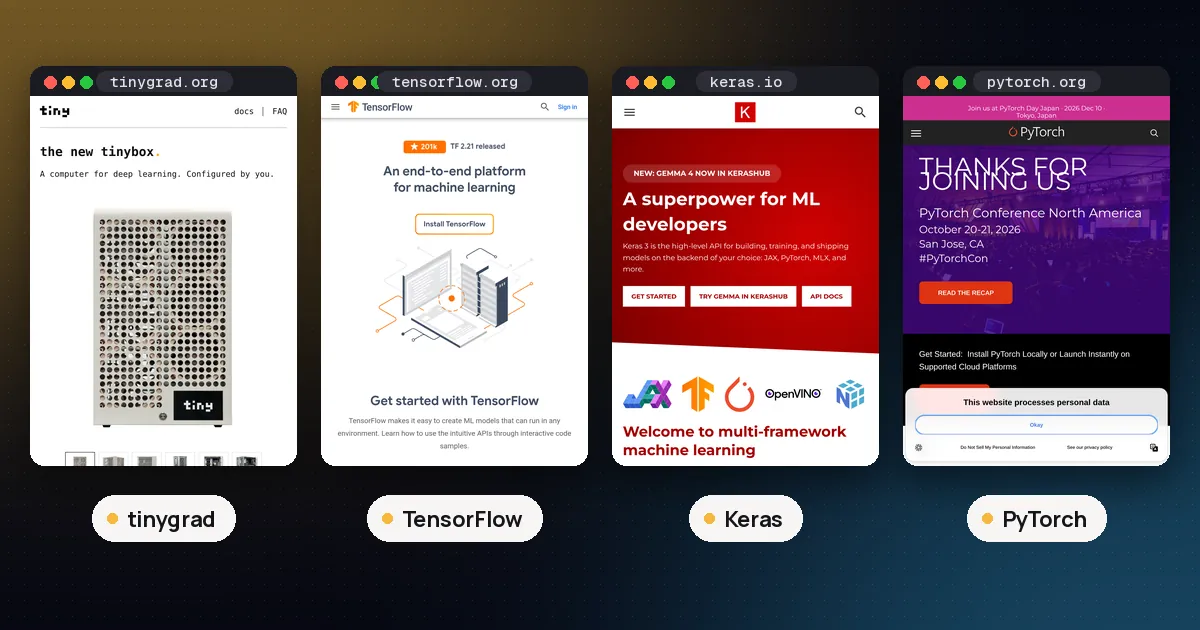
In the tinygrad vs TensorFlow choice, pick TensorFlow (usually through Keras) when you need a mature production stack: pip wheels, GPU paths on Linux and Windows WSL2, TensorFlow Serving, LiteRT, and a huge catalog of tutorials. Pick tinygrad when you want a small, readable end to end deep learning stack so you can study the compiler, bring up unusual hardware, or keep one Tensor API across many accelerators. They solve different jobs. TensorFlow ships an industrial platform. tinygrad ships a hackable one.
This guide compares them on programming model, speed tools, hardware, install, ecosystem and who each one fits, using each project's own documentation and PyPI listings checked on November 6, 2026. For speed against PyTorch, see tinygrad vs PyTorch performance. For Apple silicon, see tinygrad vs MLX. For the wider deep learning three way, see TensorFlow vs PyTorch vs Keras.
Tinygrad vs TensorFlow at a glance
| Item | TensorFlow | tinygrad |
|---|---|---|
| What it is | Full deep learning framework with Keras, data, and deploy tools | Small end to end stack (tensor, autograd, IR, codegen, JIT) |
| Latest version (PyPI, Nov 6, 2026) | 2.21.0 | 0.14.0 |
| Python required | 3.10 or later (wheels through 3.13; 3.9 dropped in 2.21) | 3.11 or later |
| Default execution | Eager; optional tf.function graphs | Lazy until realize / .numpy() |
| Path to peak speed | tf.function, XLA, tuned kernels | Required @TinyJit; optional BEAM kernel search |
| Neural net API | Keras Model / Sequential; lower level tf.* | Plain classes with __call__; tinygrad.nn helpers |
| Hardware focus | NVIDIA CUDA on Linux and WSL2; CPU everywhere; TPU via Google paths | CUDA, NV, AMD, Metal, QCOM, OpenCL, CPU, WebGPU |
| Ecosystem | Serving, LiteRT, TF.js, Hub, vast tutorials | Small; example scripts; PyTorch / OpenCL interop |
| Licence / maturity | Apache 2.0; production mature | MIT; not 1.0 yet (API called stable) |
Version and Python floors come from the TensorFlow PyPI page and the tinygrad PyPI page. Feature notes come from the TensorFlow pip install guide and the tinygrad documentation.
What TensorFlow is built for
TensorFlow is Google's long running numerical and deep learning platform. In everyday 2026 use you rarely write raw sessions. You write a Keras model, call compile and fit, and let TensorFlow handle gradients and device placement. Since TensorFlow 2.16, installing TensorFlow pulls in Keras 3, so the normal import path is from tensorflow import keras.
import tensorflow as tf
from tensorflow import keras

model = keras.Sequential([
    keras.Input(shape=(28, 28)),
    keras.layers.Flatten(),
    keras.layers.Dense(128, activation="relu"),
    keras.layers.Dense(10, activation="softmax"),
])
model.compile(optimizer="adam",
              loss="sparse_categorical_crossentropy",
              metrics=["accuracy"])
That surface is why TensorFlow still shows up in courses, enterprise training jobs, and mobile or browser export paths. TensorFlow Serving, LiteRT (formerly TensorFlow Lite), and TensorFlow.js give you deployment stories that tinygrad does not try to match. Our walkthrough on how to use TensorFlow in Python covers tensors, GradientTape, tf.data and saving. For GPU install details, see how to use TensorFlow with a GPU.
The tradeoffs are size and platform quirks. The stack is large. Official GPU support on the pip install page covers Ubuntu and Windows through WSL2; native Windows lost GPU support after TensorFlow 2.10, and there is no official GPU package for macOS. As of TensorFlow 2.21, Python 3.9 is no longer supported. For open weight language models and most new research repos, PyTorch is still the more common default; TensorFlow remains strongest where TF infrastructure already exists.
What tinygrad is built for
tinygrad, maintained by tiny corp, describes itself as something between PyTorch and karpathy/micrograd: a full deep learning stack kept small enough to read. The homepage docs are clear that it is not 1.0 yet, while the API has been fairly stable. On PyPI the current release is 0.14.0 under the MIT licence, and the project recommends installing from source.
Its design choices are deliberate:
- Lazy ops.
a + bbuilds a graph. Nothing runs until yourealize. - No special Module class. A network is an ordinary Python class with
__call__. Parameter discovery walks normal attributes. - JIT is required for speed. PyTorch invests in fast eager dispatch. tinygrad does not. You wrap a pure step in
@TinyJitso kernels can be captured and replayed. - Many runtimes. The runtimes page lists NV, AMD, QCOM, METAL, CUDA, OpenCL, CPU and WebGPU.
from tinygrad import Tensor, nn, Context

class LinearNet:
    def __init__(self):
        self.l1 = Tensor.kaiming_uniform(784, 128)
        self.l2 = Tensor.kaiming_uniform(128, 10)
    def __call__(self, x: Tensor) -> Tensor:
        return x.flatten(1).dot(self.l1).relu().dot(self.l2)

model = LinearNet()
optim = nn.optim.Adam([model.l1, model.l2], lr=0.001)
That pattern is why people reach for tinygrad when they want to see how an op becomes a kernel, or when they need one API on Metal, AMD and NVIDIA without adopting three vendor stacks. It is not why you would rebuild a TF Serving pipeline.
Programming model: eager platform vs lazy compiler
TensorFlow 2 defaults to eager execution, which feels like ordinary Python, then lets you opt into graphs with tf.function when you want tracing and compilation. Keras hides most of that for common models. Debugging is familiar, and the mental model matches most tutorials.
tinygrad is lazy by default and more functional in style for ops (x.conv2d(w, b), x.sparse_categorical_crossentropy(y)). Gradients use .backward() on a Tensor, closer to PyTorch than to JAX transforms. The docs note fewer functional transforms than JAX (no full vmap / pmap yet). If your team already thinks in Keras layers, TensorFlow will feel shorter. If your team wants to read the IR and codegen, tinygrad will feel clearer.
Neither model makes the other obsolete. Keras 3 can also run on JAX or PyTorch backends, which is a separate fork in the road covered in our TensorFlow vs PyTorch vs Keras guide. tinygrad sits outside that multibackend story: it is its own stack end to end.
Speed tools: tf.function versus TinyJit and BEAM
On TensorFlow, steady state speed often comes from tf.function (and XLA where it applies), plus years of hand tuned kernels in the C++ runtime. First trace can be slow when shapes change; later calls reuse the traced graph when signatures match. For many Keras fit loops you never touch that surface and still get usable GPU throughput.
On tinygrad, the docs state flatly that @TinyJit is required to be fast. The MNIST tutorial shows the pattern: write a pure step, decorate it, accept that the first calls capture, then replay. BEAM searches many kernel versions for the fastest one on your chip and caches the result. The developer speed page separates compile time, driver enqueue, scheduler fusion and kernel quality, and still calls the scheduler a big bottleneck for training.
There is no official head to head scoreboard that crowns a winner for every model. Compare fair setups only: synced GPU timers, warmup excluded, TensorFlow with and without tf.function, tinygrad with and without TinyJit and BEAM. For a deeper fair race against PyTorch specifically, use tinygrad vs PyTorch performance.
Hardware and install
TensorFlow GPU (official docs): Linux Ubuntu with NVIDIA, and Windows 10 19044+ through WSL2. Install with pip install 'tensorflow[and-cuda]' on those paths. macOS gets CPU wheels only. Native Windows GPU stopped after 2.10. Driver and CUDA toolkit versions are listed on the pip install page; recheck them the day you install.
tinygrad: pick a device with DEV (for example DEV=CUDA, DEV=METAL, DEV=AMD) or let it choose a default. Source install is recommended:
git clone https://github.com/tinygrad/tinygrad.git
cd tinygrad
python3 -m pip install -e .
python3 -c "from tinygrad import Device; print(Device.DEFAULT)"
If you have no local GPU, the tinygrad MNIST tutorial suggests Google Colab with a T4 runtime. For sizing language models against memory, see how much VRAM you need for an LLM.
Ecosystem and production
This is usually the deciding axis for tinygrad vs TensorFlow in a company setting.
TensorFlow wins on product surface area: pretrained models and Hub assets, tf.data pipelines, distribution strategies, Serving for servers, LiteRT for phones, TensorFlow.js for browsers, and a deep bench of Stack Overflow answers. If your org already ships TF SavedModels, switching for curiosity is expensive.
tinygrad wins on transparency and reach across odd accelerators. It ships nn, optimizers, datasets and example LLM scripts in tree, plus Tensor.shard for multi GPU experiments and Tensor.from_blob interop with PyTorch and OpenCL. It does not ship a serving product, a mobile runtime, or a Hub scale model catalog. Treat it as a research and learning runtime, or as a compiler playground, unless you are ready to own the surrounding glue.
For a ranked view of where each Python library fits by job, see best ML frameworks for Python.
Pros and cons
TensorFlow
- Pros: mature Keras API, strong deploy paths, large community, official GPU wheels on Linux and WSL2, Apache 2.0.
- Cons: heavy install; weak story for new open weight LLM tooling compared with PyTorch; no official macOS GPU; native Windows GPU frozen at older releases.
tinygrad
- Pros: readable compiler stack; MIT licence; many backends including AMD, Metal, Qualcomm and WebGPU; deliberate teaching surface.
- Cons: pre 1.0; small ecosystem; slow without JIT; not a drop in for TF Serving or mobile export; you will write more plumbing for production.
Which should you choose?
- You are shipping a neural net into an existing TF shop, phone app, or browser build. Stay on TensorFlow with Keras.
- You are learning how frameworks lower ops to kernels, or bringing up nonstandard hardware. Use tinygrad.
- You want the default 2026 path for open weight LLMs and fine tuning. Prefer PyTorch (and compare PyTorch vs JAX if TPUs or functional transforms matter). Use this page only if TensorFlow versus tinygrad is the actual decision.
- You are on a Mac and care about local models first. Look at MLX and tinygrad vs MLX before forcing TensorFlow's CPU only Mac wheels.
- You only need classical models on tables. Neither is the first stop; start with scikit-learn as in TensorFlow vs scikit-learn.
FAQ
Is tinygrad a TensorFlow replacement?
No. tinygrad is a small deep learning stack aimed at clarity and multi backend reach. TensorFlow is a full platform with serving and mobile tools. You might prototype ideas in tinygrad, but you do not get TF Serving or LiteRT by switching.
Which is easier to learn, tinygrad or TensorFlow?
For a first neural network course, Keras on TensorFlow is usually shorter because Sequential and fit hide the loop. tinygrad is easier when your goal is to understand the compiler: the codebase is small enough to read, but you must learn laziness and TinyJit early.
Can I use Keras with tinygrad?
Not as an official Keras backend. Keras 3 backends today are TensorFlow, JAX and PyTorch (plus OpenVINO for inference). tinygrad is a separate stack. If you like Keras style code, stay on TensorFlow or another Keras backend.
Are tinygrad and TensorFlow free for commercial use?
Both are open source. TensorFlow is Apache 2.0. tinygrad is MIT. Always read the licence text for your release, and separately check any model or dataset licences you load.