How to use Hugging Face Datasets in practice: run pip install datasets, call load_dataset("owner/name") to pull a set from the Hub (or load_dataset("csv", data_files=...) for your own files), then reshape it with filter, map and train_test_split, and hand it to your training code with with_format("torch") or to_pandas(). Add streaming=True when a set is too big to download. The library is free and open source under the Apache 2.0 license, and public datasets need no account.
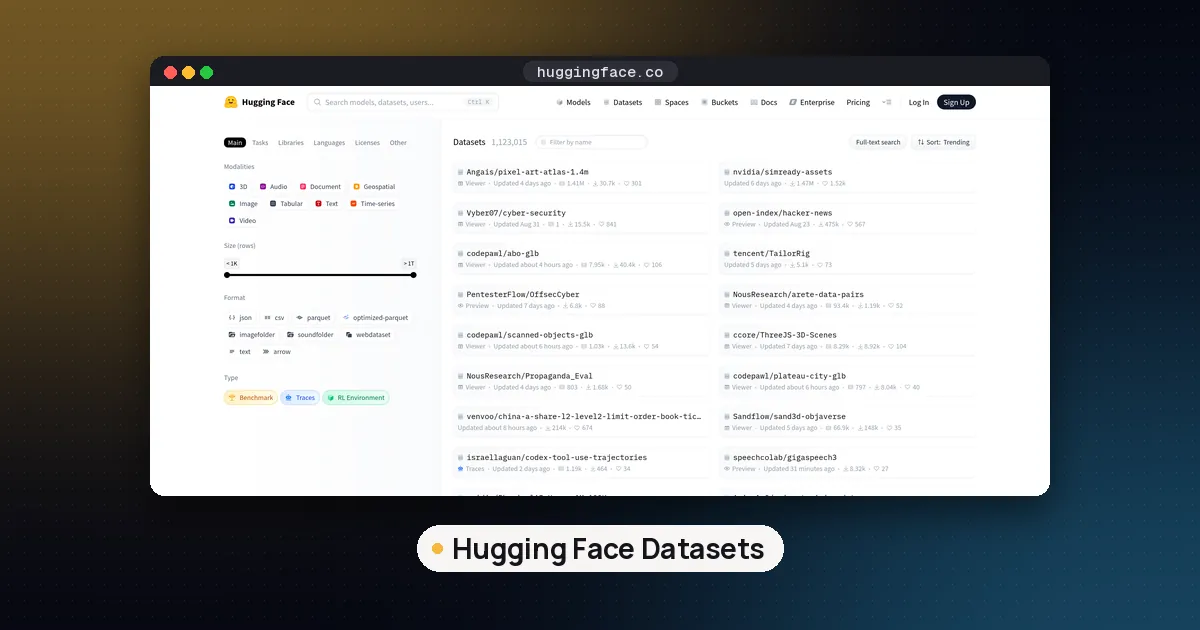
Hugging Face Datasets is the Python library behind most open model training recipes. It stores tables in Apache Arrow on disk and memory maps them, so a set larger than your RAM still opens quickly. This guide follows the official loading guide, the processing guide, the streaming guide and the datasets page on PyPI, all checked on November 10, 2026. Every command in steps 1 to 6 was also run first hand on that date (details in the test section below).
What the Hugging Face Datasets library does
The library does three jobs. It downloads and caches dataset files from the Hugging Face Hub. It converts them into Arrow tables you can index, slice and transform with plain Python functions. And it streams records straight from the Hub when you do not want the full download.
| Task | Call | Returns |
|---|---|---|
| Load a Hub dataset | load_dataset("owner/name") | DatasetDict of splits |
| Load one split | load_dataset("owner/name", split="train") | Dataset |
| Load your own files | load_dataset("csv", data_files="file.csv") | DatasetDict |
| Stream without downloading | load_dataset(..., streaming=True) | IterableDataset |
| Keep matching rows | ds.filter(fn) | new Dataset |
| Add or change columns | ds.map(fn, batched=True) | new Dataset |
| Make a test split | ds.train_test_split(test_size=0.1) | DatasetDict |
| Save and reopen | save_to_disk / load_from_disk | Dataset |
Every transform returns a new object instead of changing the old one in place, and the results are cached, so rerunning a notebook cell is fast.
Step 1: install Hugging Face Datasets
The current release is datasets 5.2.0, published on PyPI on November 9, 2026. It needs Python 3.10 or newer. Use a virtual environment:
python3 -m venv .venv
source .venv/bin/activate
pip install datasets
That one install pulls in pyarrow, pandas, fsspec and huggingface_hub (version 1.31 or newer is required). In our run on November 10 it brought in huggingface_hub 2.4.0, which also installs the hf command line tool.
Optional extras add decoders and framework support. The PyPI metadata lists audio (torchcodec and torch), vision (Pillow), torch, tensorflow and jax. For example, pip install "datasets[vision]" before loading image sets. The installation page covers conda and source installs.
Check it worked:
python -c "import datasets; print(datasets.__version__)"Step 2: load a dataset from the Hub
Pass the repository id from the dataset's Hub page:
from datasets import load_dataset

ds = load_dataset("cornell-movie-review-data/rotten_tomatoes")
print(ds)
print(ds["train"][0])
print(ds["train"].features)
With rotten_tomatoes this printed a DatasetDict with three splits: 8,530 train rows, 1,066 validation rows and 1,066 test rows, each with a text and a label column. The features line shows the schema: text is a string and label is a ClassLabel with the names neg and pos. Reading the features first saves guesswork about what a number in a column means.
A few options you will use often:
split="train"returns oneDatasetinstead of the whole dictionary. Slices work too, such assplit="train[:10%]".name="config"picks a subset when a repo has several, for example a language or a sample size.revision="main"or a commit hash pins the exact version so a rerun months later gets the same data.
Gated and private datasets
Some datasets are gated: you must accept the authors' terms on the dataset page before files download. The Hub docs on gated datasets explain how access requests work. Once you have access, log in on your machine so the library can send your token:
hf auth loginPrivate repos work the same way. Public, ungated sets like rotten_tomatoes need no login at all; our test ran without a token.
Step 3: load your own CSV, JSON or Parquet files
You do not need to upload anything to use the library. Name the file format as the builder and point data_files at your files:
from datasets import load_dataset

local = load_dataset("csv", data_files="mini.csv")
jsonl = load_dataset("json", data_files={"train": "train.jsonl", "test": "test.jsonl"})
parquet = load_dataset("parquet", data_files="data/*.parquet")
The loading guide lists the other builders, including text files and folders of images or audio. A dictionary for data_files maps your own files to split names, which is the usual way to keep a fixed test set. This is how local fine tuning data is normally loaded; our guide to fine tuning an LLM for a classification task starts from exactly this kind of CSV. Preference and prompt sets load the same way for TRL's DPO and GRPO trainers; GRPO vs PPO explains how those training methods differ.
Pandas users can go the other way with Dataset.from_pandas(df), and Dataset.from_dict builds a small set from Python lists for tests.
Step 4: filter, map and split
The processing guide covers dozens of methods. Three do most of the work.
train = ds["train"]

short = train.filter(lambda row: len(row["text"]) < 100)

def add_length(batch):
    return {"n_chars": [len(t) for t in batch["text"]]}

with_len = train.map(add_length, batched=True)

splits = train.train_test_split(test_size=0.1, seed=42)
In our run the filter kept 3,551 of the 8,530 training reviews, the batched map added an n_chars column (the first review is 177 characters), and the split produced 7,677 training rows and 853 test rows. Both the filter and the map finished in well under a second on this small set.
Two habits pay off:
- Use
batched=Truewithmap. Your function receives lists of values instead of one row at a time, which is much faster, and it is how you call a tokenizer over a whole column. - Always set
seedonshuffleandtrain_test_splitso your splits are reproducible.
Tokenizing for a model looks like this with Transformers (a docs pattern, not part of our timed test):
from transformers import AutoTokenizer

tok = AutoTokenizer.from_pretrained("google-bert/bert-base-uncased")
tokenized = train.map(lambda b: tok(b["text"], truncation=True), batched=True)
Other handy calls are select for row indices, remove_columns, rename_column and cast_column to change a column's type.
Step 5: stream datasets that are too big to download
Pretraining corpora run to terabytes. With streaming=True, load_dataset returns an IterableDataset that reads records over the network as you iterate:
stream = load_dataset("cornell-movie-review-data/rotten_tomatoes", split="train", streaming=True)
first = next(iter(stream))
Our test returned an IterableDataset and read the first record without writing the dataset to disk. The streaming guide explains the tradeoffs: you get map, filter, take, skip and shuffle, but no random indexing and no row count up front. Shuffling uses a buffer. The 5.0.0 release notes describe the defaults as a buffer of 1,000 examples drawn from up to 10 input shards.
Version 5.2.0 adds faster streaming decode for folder datasets of images, audio and video, according to its release notes. Our roundup of the best LLM pretraining datasets shows streaming used on FineWeb-Edu.
Step 6: save, export and feed your training loop
Save a processed set so you skip the processing next time:
train.save_to_disk("rt_train")

from datasets import load_from_disk
again = load_from_disk("rt_train")
That round trip returned all 8,530 rows in our test. For other tools, to_pandas(), to_csv(), to_json() and to_parquet() export the table; to_pandas() on the validation split gave a 1,066 by 2 DataFrame.
For PyTorch, set the output format so indexing returns tensors, then pass the dataset to a DataLoader:
torch_ds = tokenized.with_format("torch")This step needs PyTorch installed and was not part of our run. Trainers in the Hugging Face stack, such as the ones used with PEFT, accept a Dataset directly, which is why fine tuning an LLM locally rarely needs custom loading code.
Where the cache lives
The cache guide says downloaded files go to the shared Hub cache, at ~/.cache/huggingface/hub by default, and the library keeps its own Arrow versions separately. On our box those Arrow files sat in ~/.cache/huggingface/datasets. To move them, pass cache_dir= to load_dataset or set the HF_HOME or HF_DATASETS_CACHE environment variables, which helps on laptops with a small system drive. The same guide covers clearing old cache files.
Uploading your own dataset
To share a set, call push_to_hub("your-name/your-dataset") on a Dataset after hf auth login. The upload guide also covers the web uploader and dataset cards. The 5.2.0 release fixed a bug where push_to_hub could drop rows when num_proc was larger than the number of shards, so upgrade before pushing large sets with several processes.
How we tested this guide
On November 10, 2026 we created a fresh venv on an 8 vCPU Linux box, installed datasets 5.2.0, and ran steps 1 to 6 as written against the public rotten_tomatoes set with no Hugging Face token. The first full load (download plus Arrow conversion) took about 8 seconds on that connection. We did not test GPU training, gated repos, push_to_hub, or very large streaming jobs, so those parts rely on the official docs linked above.
FAQ
Are Hugging Face datasets free?
The library is free and open source under Apache 2.0, and public datasets download without an account or payment. Each dataset carries its own license on its card, though, so check it before using the data commercially.
How do I install Hugging Face Datasets?
Run pip install datasets in a Python 3.10 or newer environment. Add an extra such as datasets[vision] or datasets[audio] if you will decode images or audio.
How do I import a Hugging Face dataset into Python?
Import the loader with from datasets import load_dataset, then call it with the repo id from the dataset page, for example load_dataset("cornell-movie-review-data/rotten_tomatoes"). For local files, use a builder name like "csv" or "json" with data_files.
Do I need a token to use Hugging Face datasets?
Not for public, ungated datasets. You need to log in with hf auth login for gated or private datasets and for uploading with push_to_hub.
Can I use Hugging Face Datasets offline?
Yes, once the files are in your cache. Load from local files, use load_from_disk for saved sets, or set the HF_HUB_OFFLINE environment variable so the library only reads what it already downloaded.
Is Hugging Face Datasets only for PyTorch?
No. It works with plain Python and pandas, and the optional extras add TensorFlow and JAX output formats alongside PyTorch.